Listen to the whole world
Your RTL-SDR, HackRF or SDRplay dongle, or one of thousands of public KiwiSDR, OpenWebRX and WebSDR receivers. A built-in directory, a map, and automatic reconnection to your last source.
Scroll through the screenshots. Open a picture to look closer.
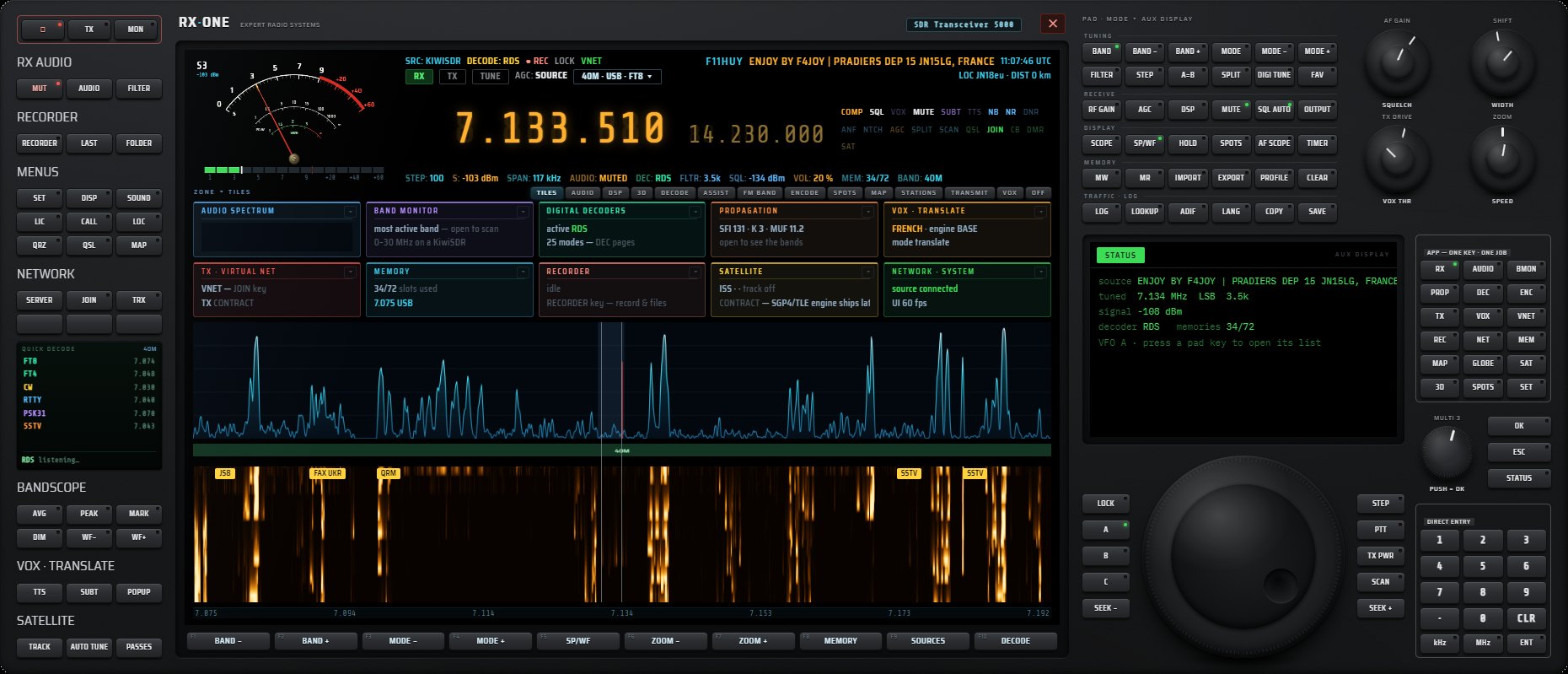
Display, central screen, controls, keypad and large tuning knob: all on one front panel.

Audio waterfall, UTC slot, callsign, distance, country and flag of every station.

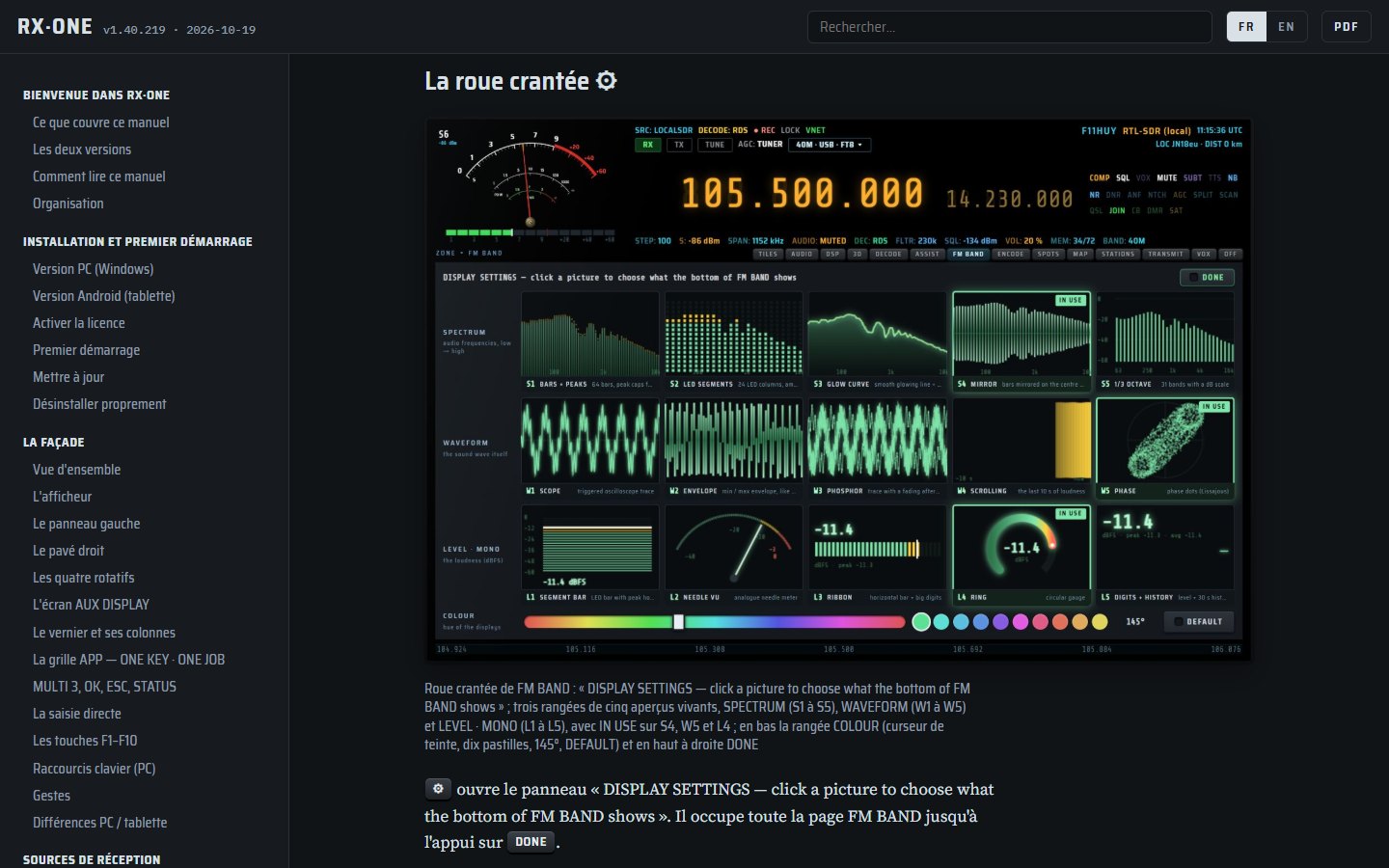
The whole FM band: stations, RDS, sound tools and fifteen displays to choose from.

The AUDIO page: a real processor, eight views, every setting measured.
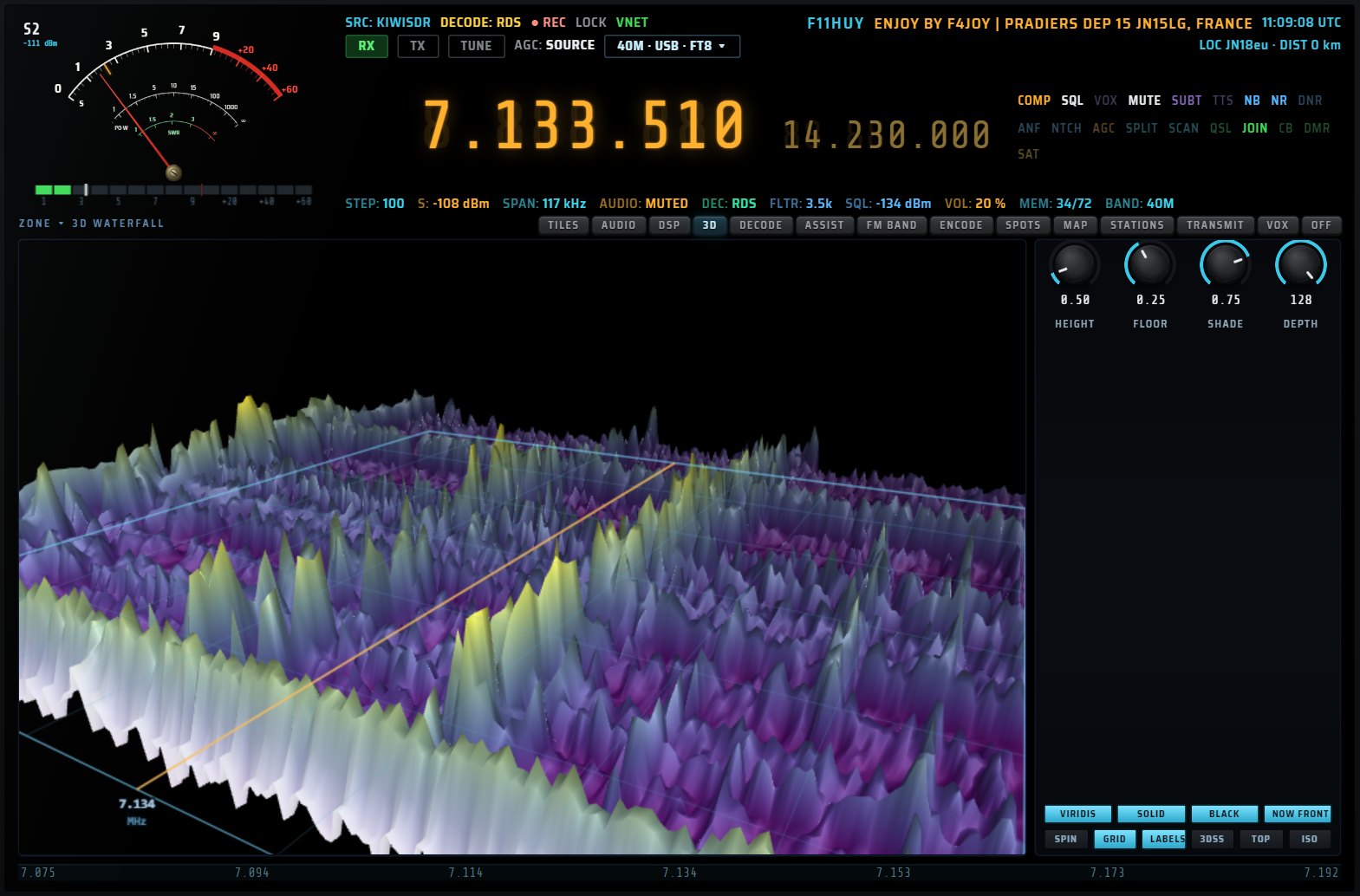
WebGL 3D waterfall: rotation, height, palette, time axis.
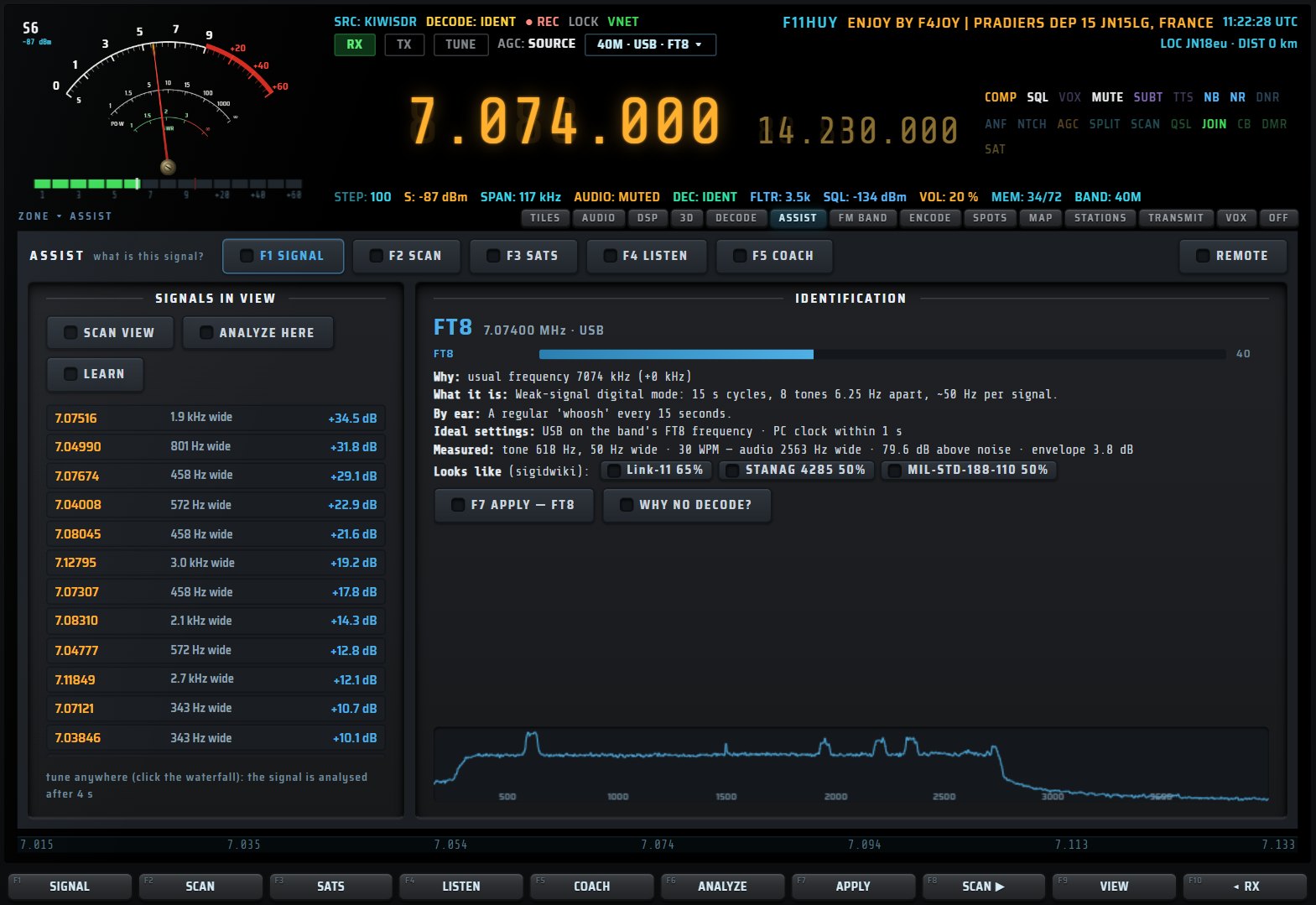
Measurement, comparison, suggested settings and one-touch APPLY.
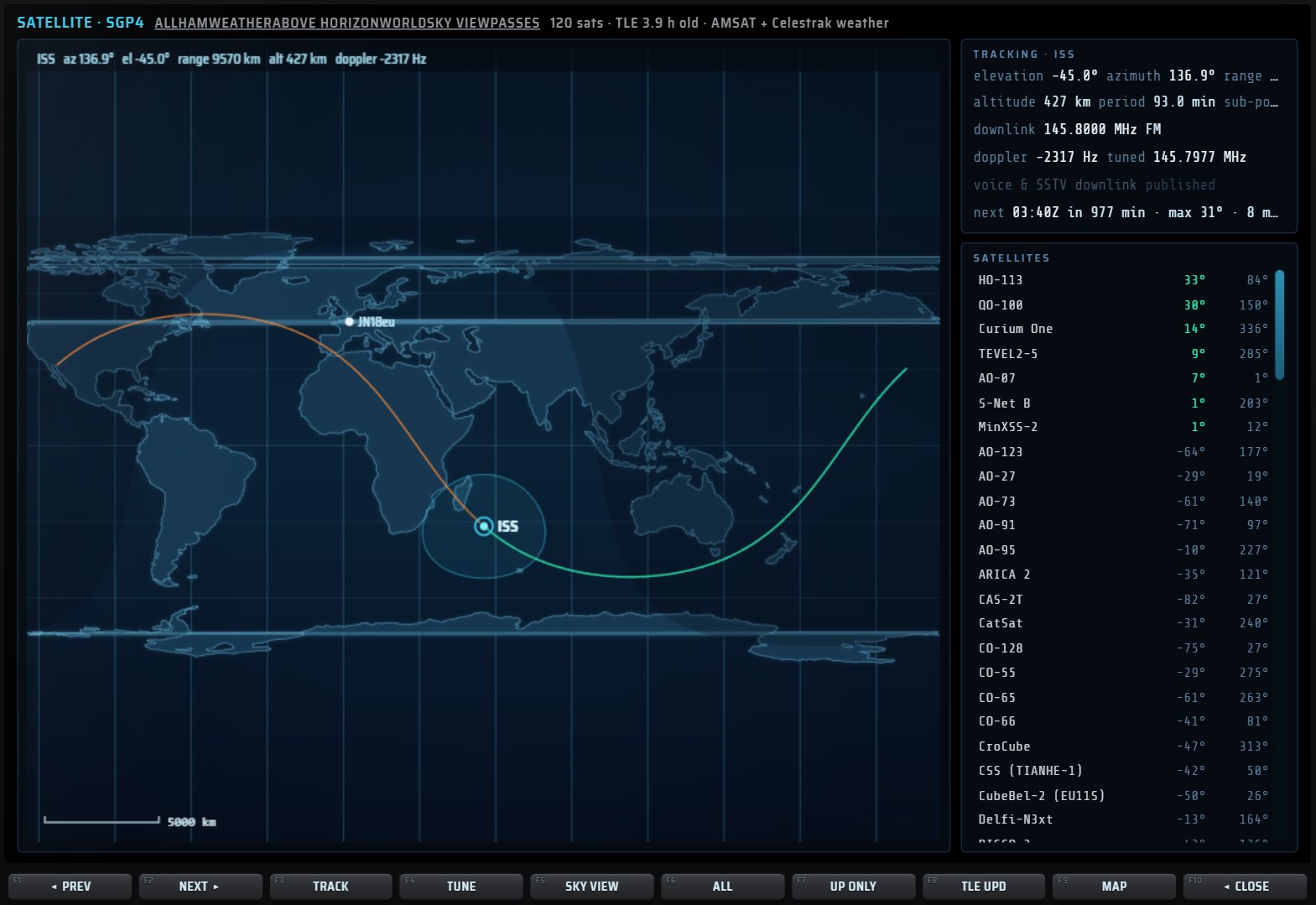
SGP4 orbital engine, ground tracks, passes, Doppler.

Solar indices, ionosondes, MUF and open bands.
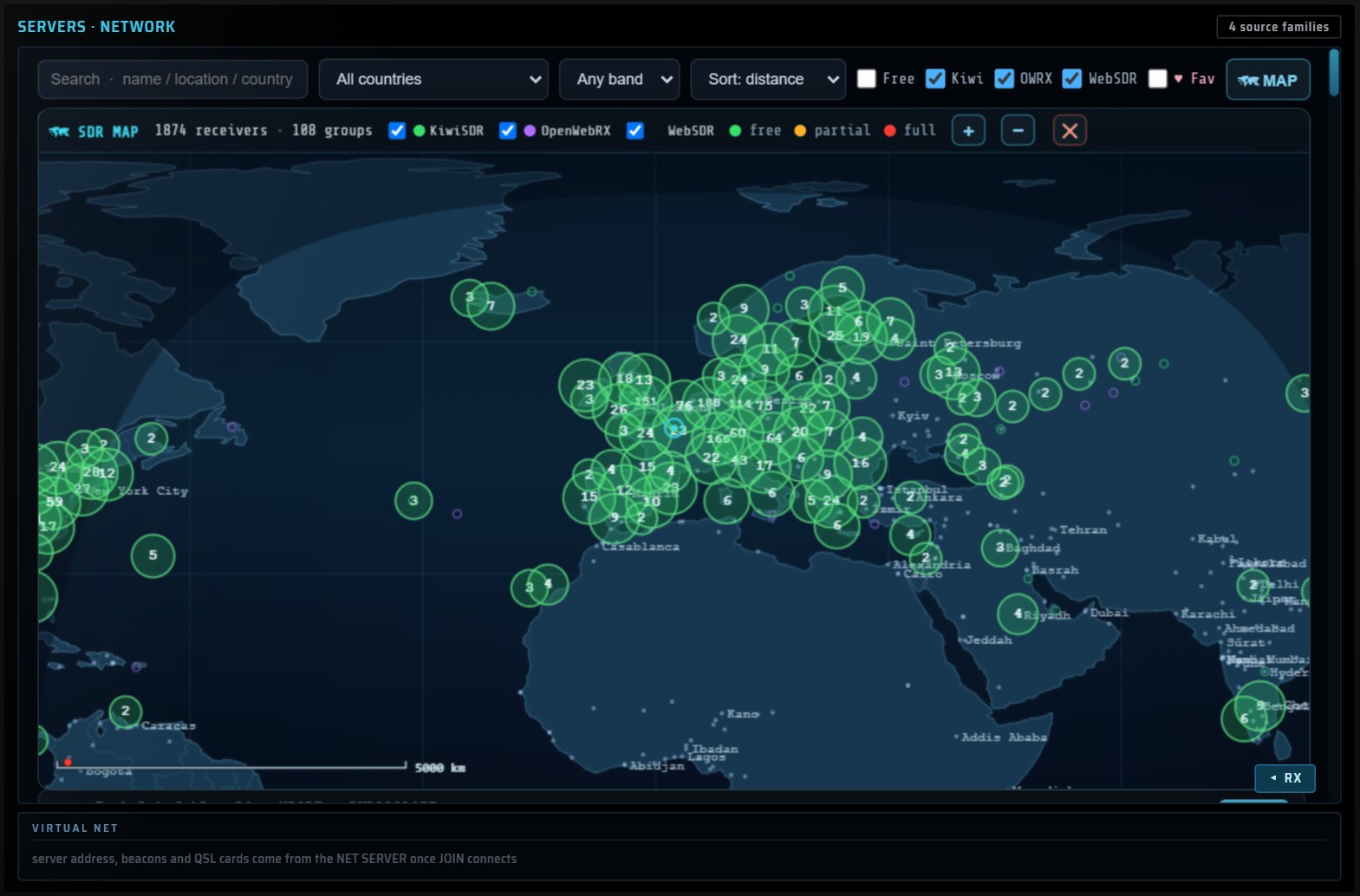
The KiwiSDR, OpenWebRX and WebSDR directory, on a map.

Weather service charts, received and decoded as images.
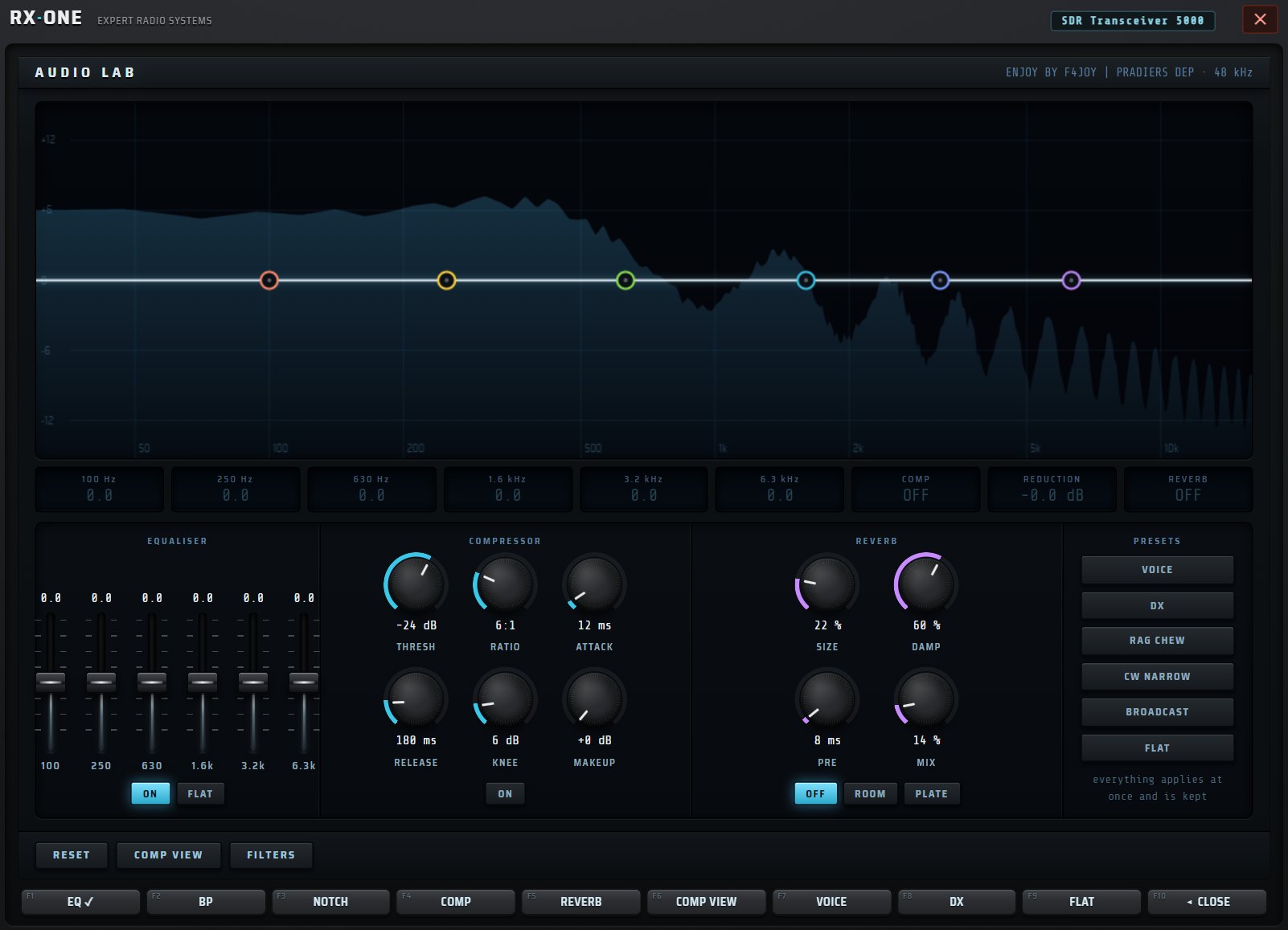
Equaliser, compressor, reverb and presets: listening your way.

Banks, CSV and EiBi import, command line, ON AIR NOW.

Your QSOs, your personalised QSL card and ADIF export.
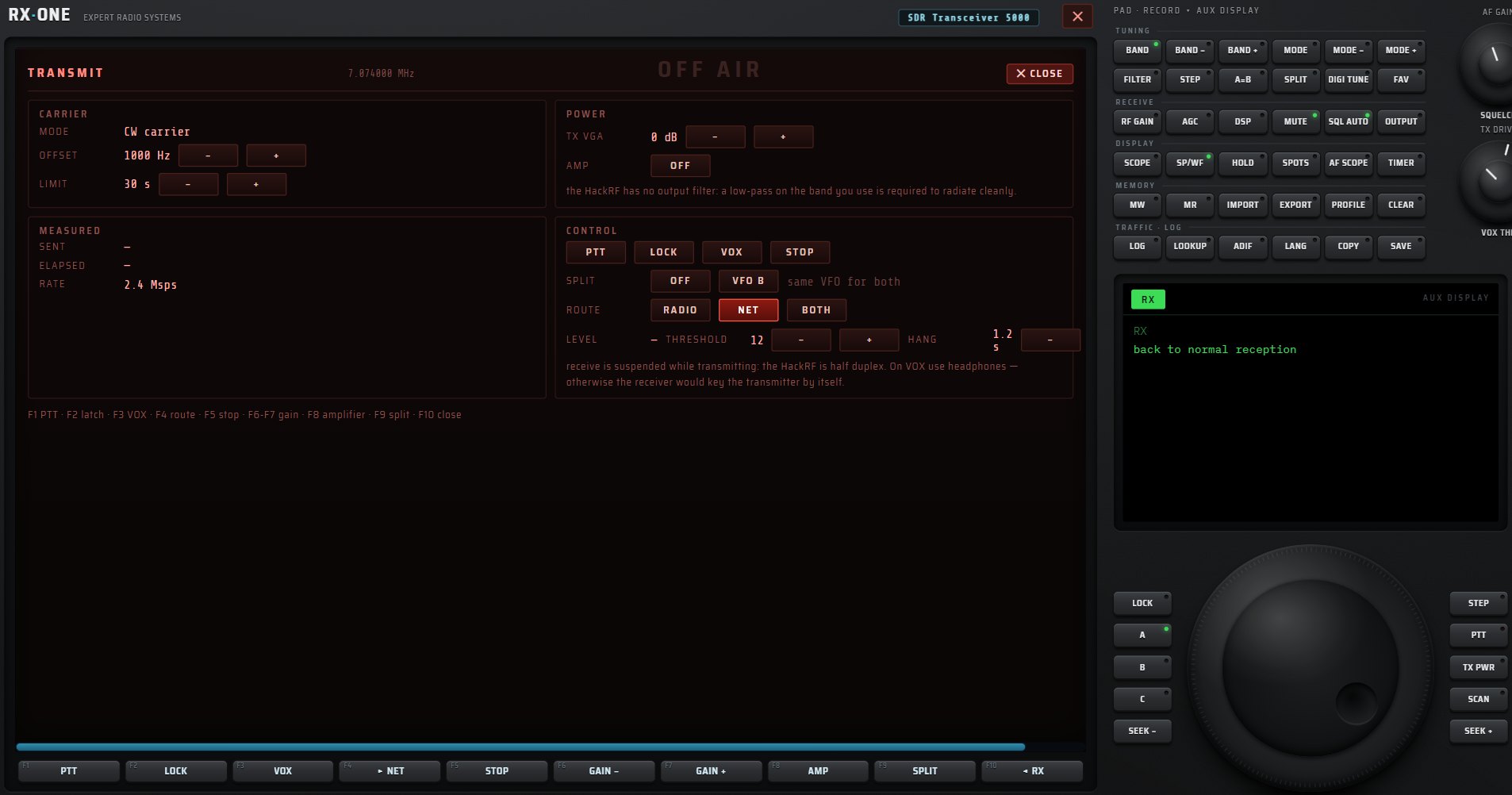
The whole transmit chain, with its safeguards.
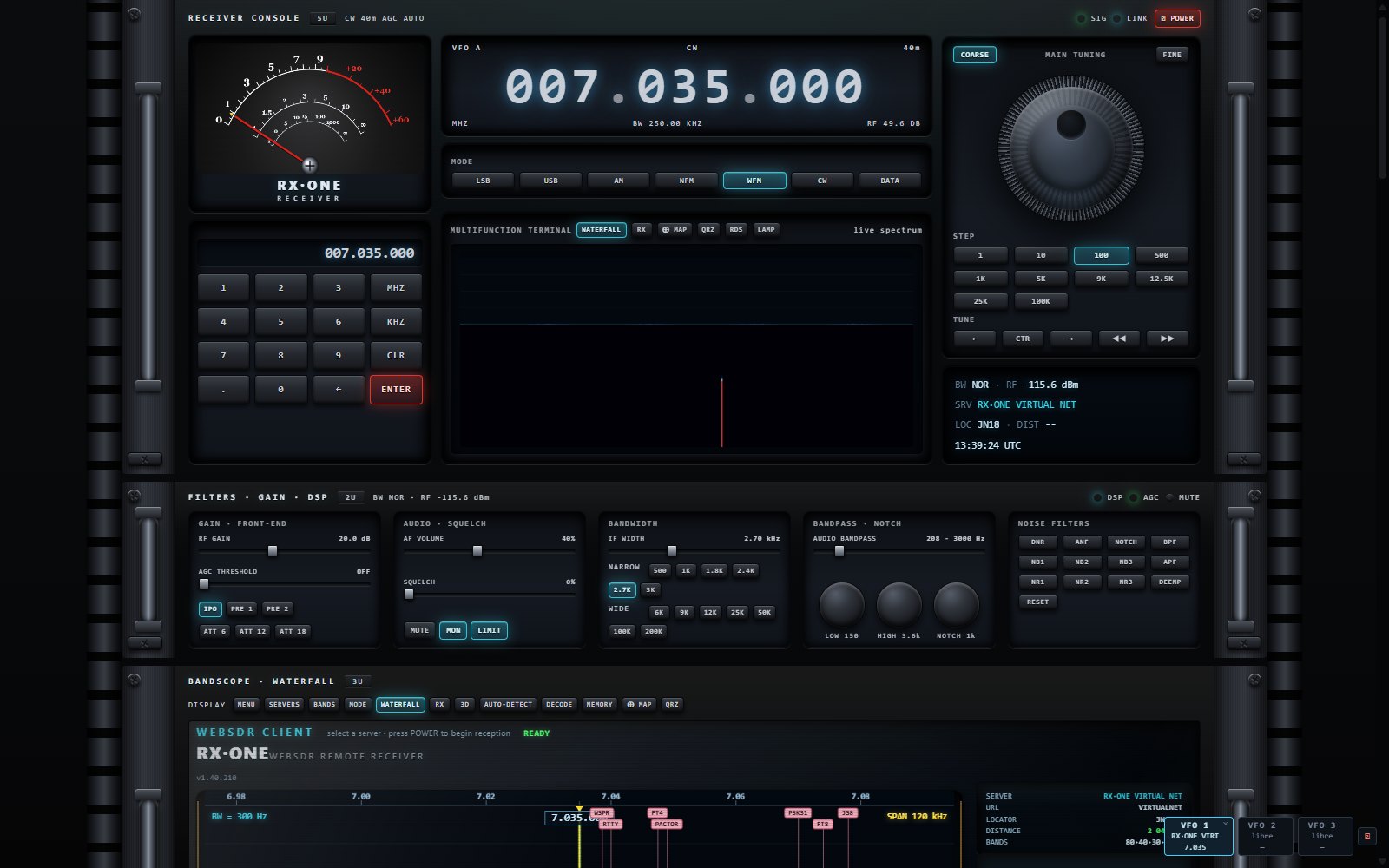
A 19″ drawer bay you build yourself.
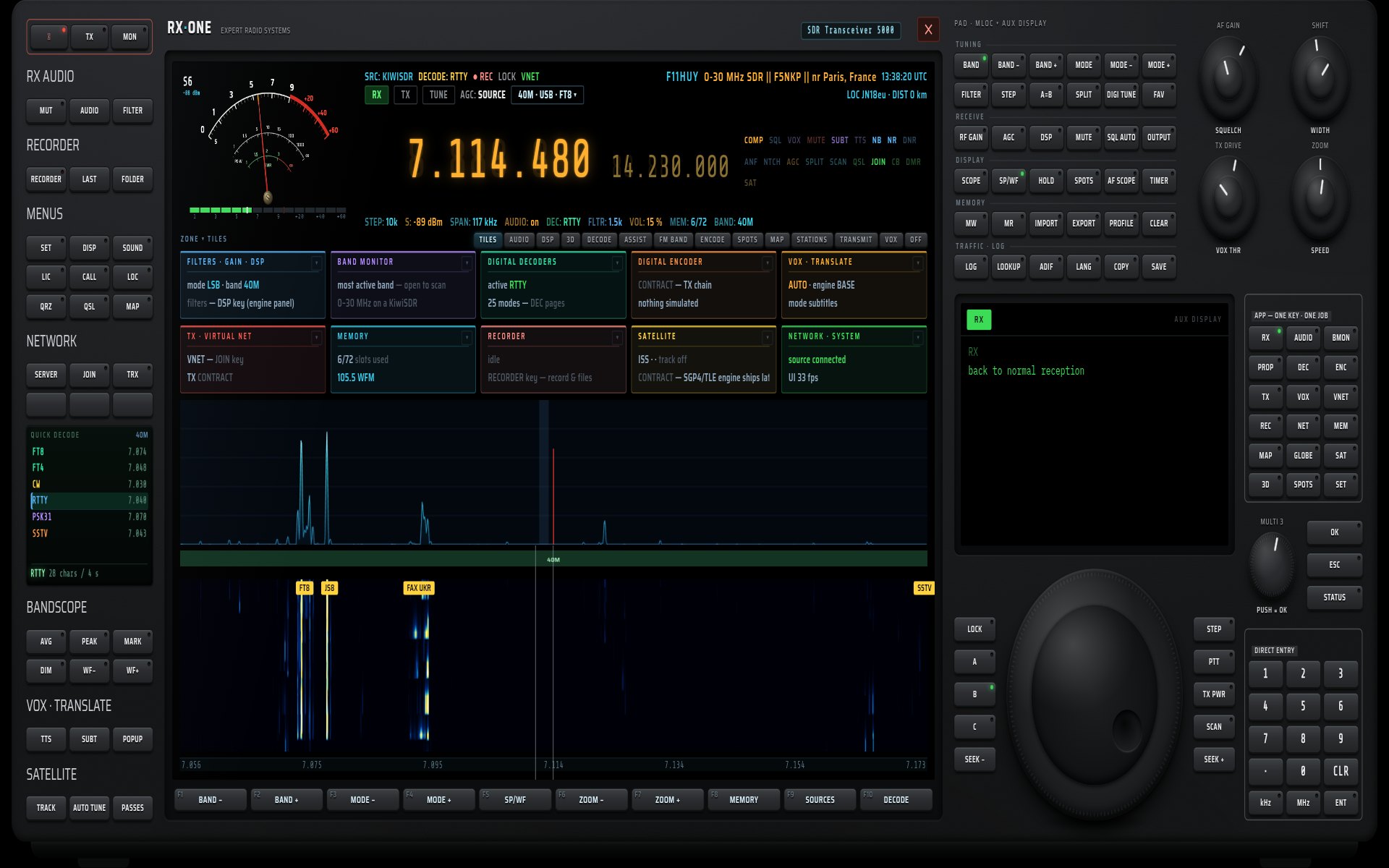
The same console, full screen, under your finger.
RX·ONE is a complete software radio receiver. Plug in an SDR dongle or pick one of thousands of public receivers around the world: tuning, filtering, digital decoding, speech translation, maps, satellites and logging all come together on the front panel of a real radio.
A radio front panel, named keys, and every function in its place.
Your RTL-SDR, HackRF or SDRplay dongle, or one of thousands of public KiwiSDR, OpenWebRX and WebSDR receivers. A built-in directory, a map, and automatic reconnection to your last source.
Needle S-meter, large amber display, keypad, four knobs, tuning knob and direct entry. Each key has one job; the AUX screen shows its choices.
Real-time spectrum and waterfall, passband grabbed with the mouse, peaks, markers, eleven palettes and a 3D relief view.
Noise reduction, automatic notch, 31-band equaliser, compressor, AGC, limiter and reverb, measured and adjustable live.
FT8, FT4, CW, RTTY, PSK31, SSTV, weather fax, NAVTEX, DMR, RDS, ADS-B, AIS and many more, each with its page, settings and export.
ASSIST identifies a signal, picks the decoder, sets shift and speed, explains why nothing decodes, and drives the satellites.
Live subtitles and translation of what is said on the frequency, computed on your PC.
Receivers, heard stations, satellites, globe, propagation and aircraft: everything placed at a glance.
Recorder, scheduler, memories, logbook, QSL cards and ADIF export.
Twelve chapters, from choosing a source to the studio rack. Every screenshot comes from the software running.
RX·ONE brings together local receivers and public receivers from all over the world. Menus adapt to the source: what it cannot do is greyed out, what it can do is one key away.
2,869 receivers built in and updated online: KiwiSDR, OpenWebRX and WebSDR. Search by name, city or country, filter by type and band, sort by distance, favourites, free slots, signal-to-noise ratio. Press TUNE and you are listening.
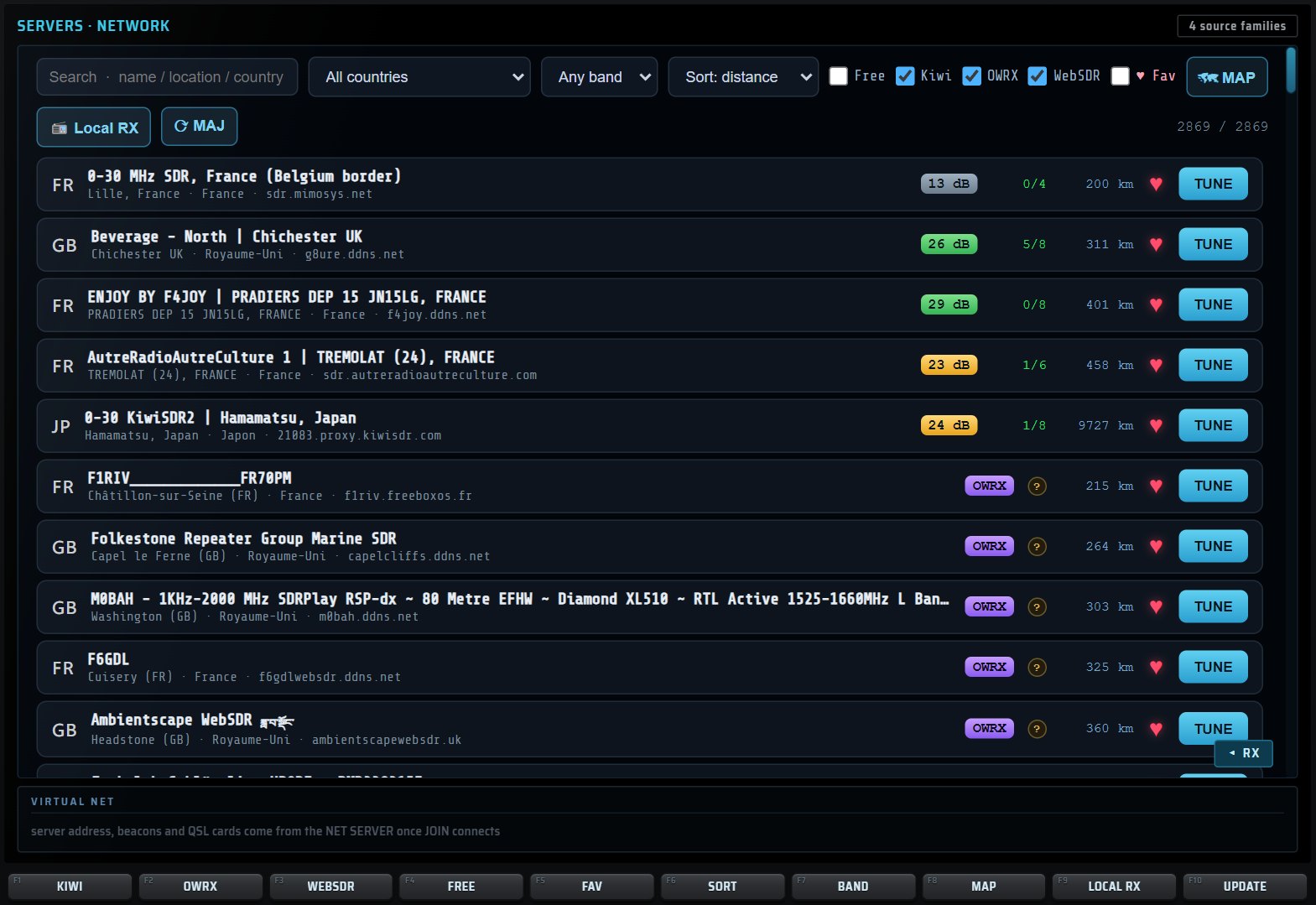

Every receiver in the world, grouped and coloured by type. Touch a marker to see its card.
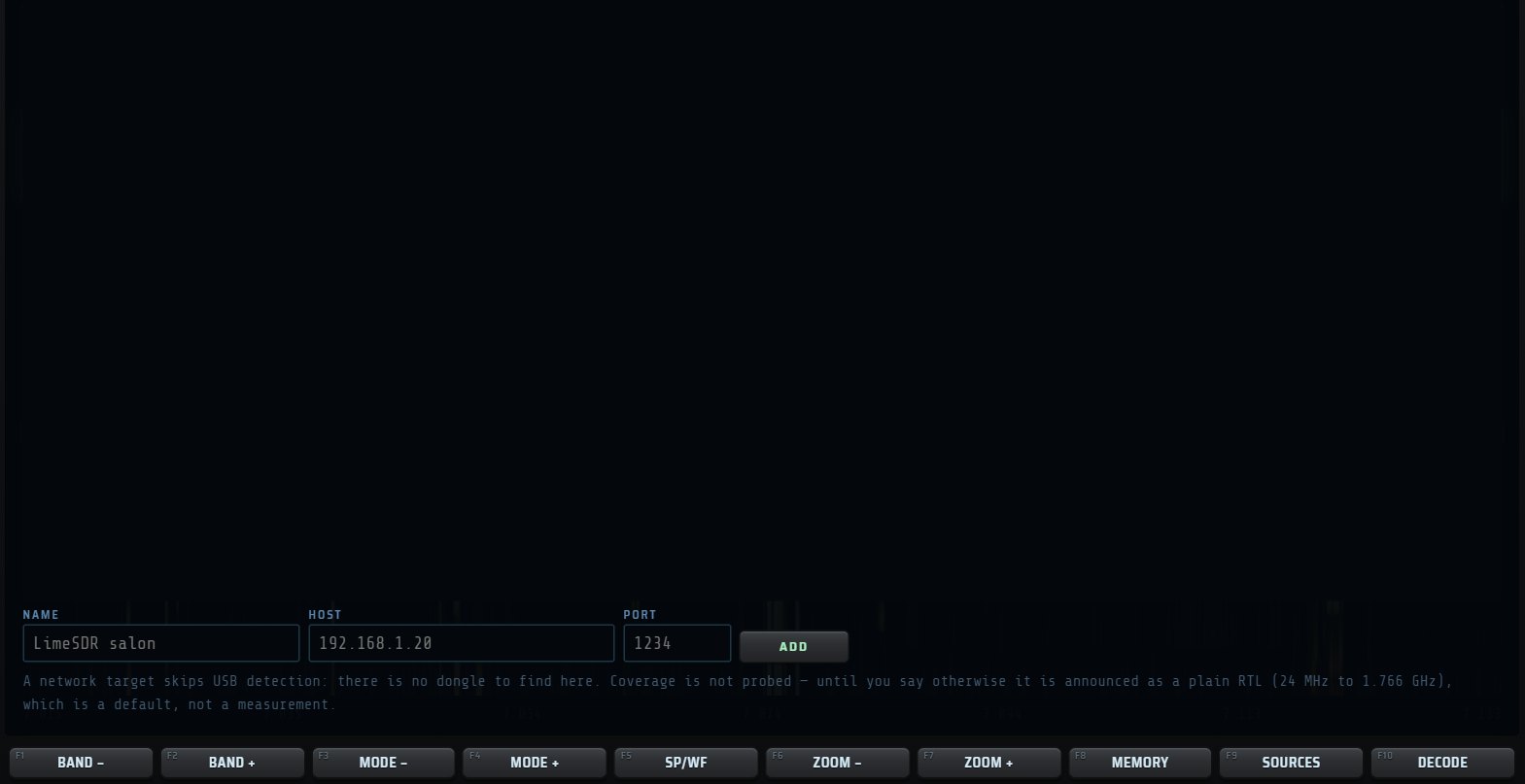
RTL-SDR, HackRF One, SDRplay and any rtl_tcp server on the network. Gain, AGC, sample rate, Bias-T: every hardware setting.

On a KiwiSDR only the 0–30 MHz bands light up; the others are explained.

A, B and C are three complete radios: each keeps its source, frequency and mode and keeps decoding in the background.
No cascading menus: named keys grouped by use, an AUX screen that shows the choices of the key you pressed, and ten F1–F10 keys that change role with the page that is open.
Needle or bar-graph S-meter, main frequency in large amber digits, secondary frequency, source, active decoder, UTC time, status words that light up when a function is active, and a line of values: step, signal, span, filter, squelch, volume, memories, band.

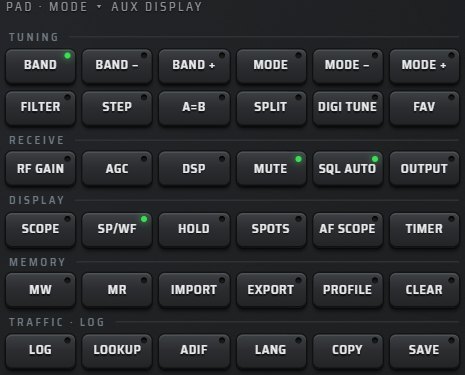
TUNING, RECEIVE, DISPLAY, MEMORY, TRAFFIC · LOG: thirty-six keys, each opening its list on the AUX screen.

It shows the choices of the key you pressed; touch a line, or the matching F key.
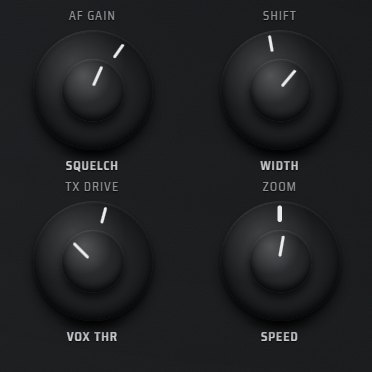
AF GAIN and SQUELCH, SHIFT and WIDTH, TX DRIVE and VOX THR, ZOOM and SPEED: inner and outer ring, by mouse wheel or finger.

Eighteen keys open each main function directly: decoding, audio, maps, satellites, memories…

Type 14.230 then MHz, or 7074 then kHz: the frequency shows as you type.
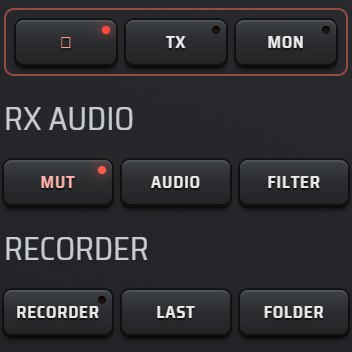
Sound, recording, menus, network, bandscope, voice and satellites, with a quick-decode mini screen.
Above the waterfall, a fourteen-tab strip shows audio, decoding, spots, the map or nothing at all, without ever hiding the signal.
Click a signal to tune to it. Grab the passband edges to set it, Shift to move it, double-click to restore the mode default. PEAK holds the peaks, MARK drops a marker, DIM picks one of eleven palettes, HOLD freezes the picture.
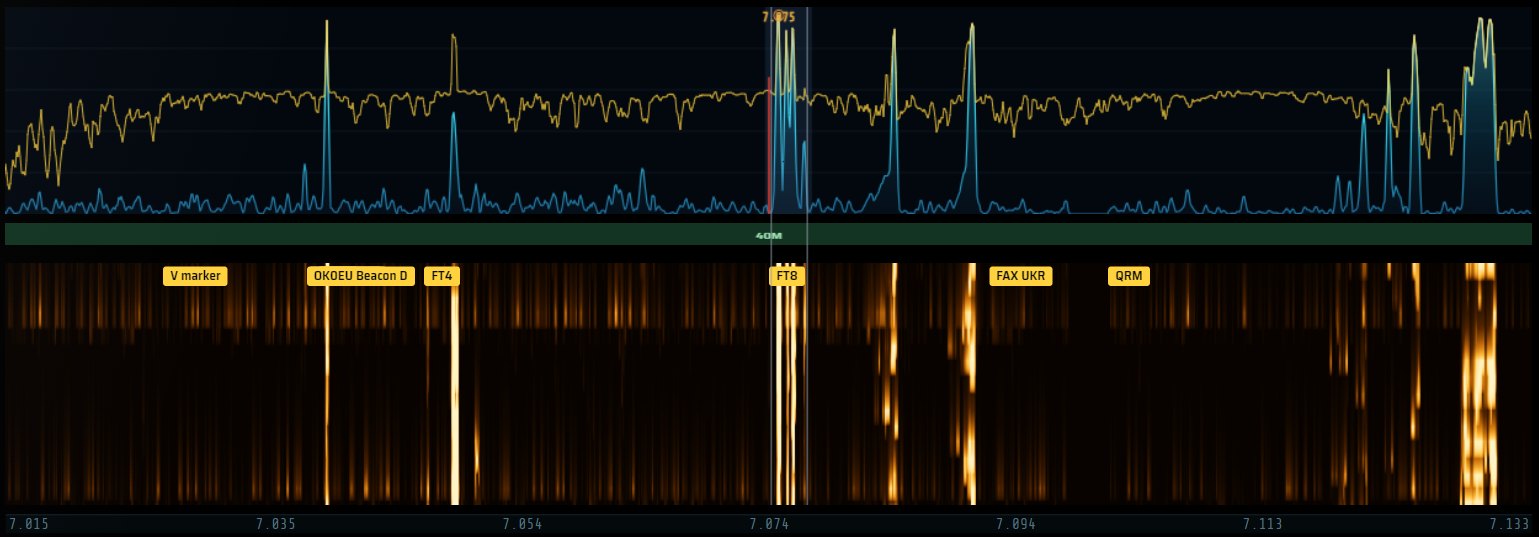
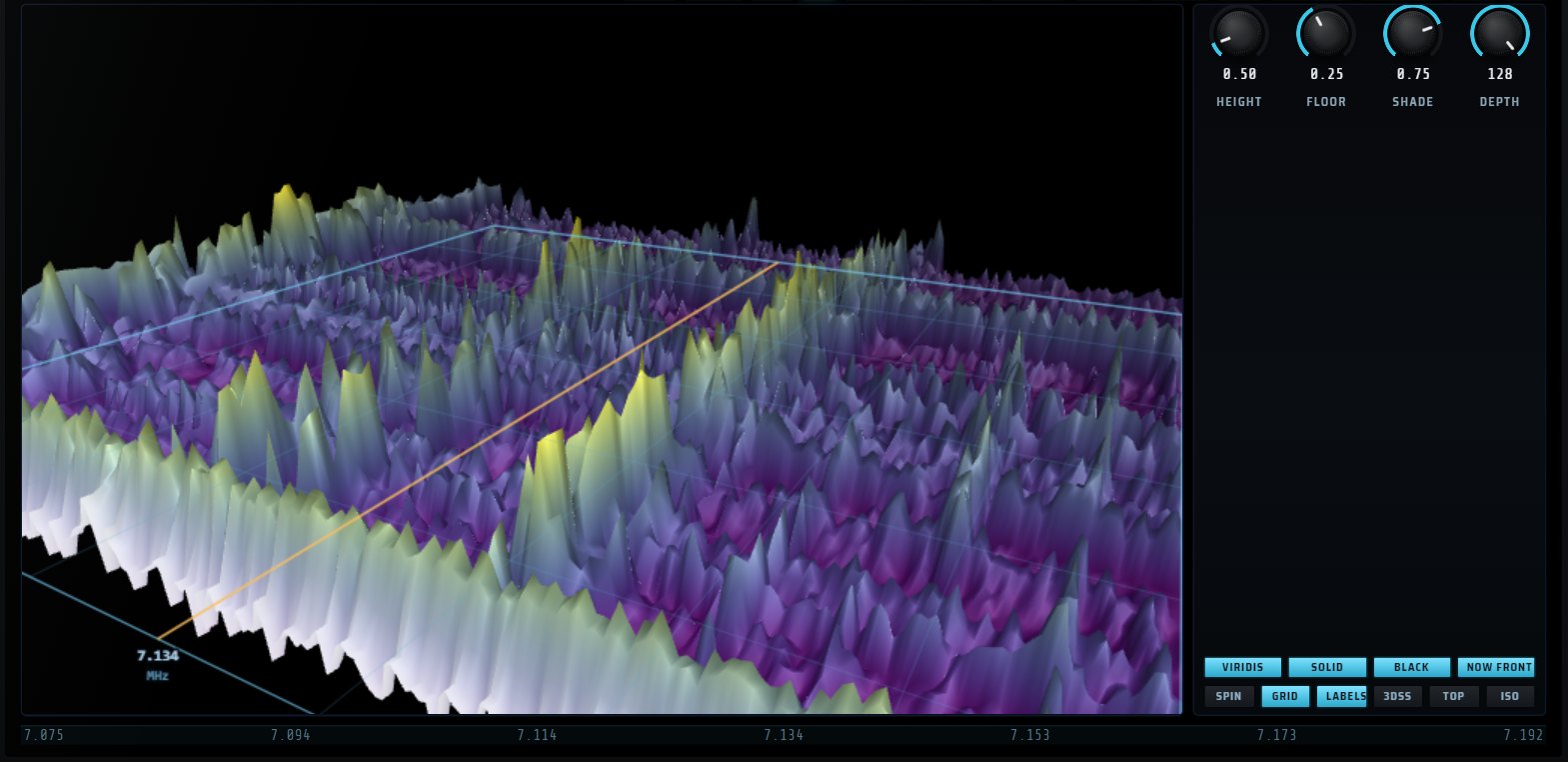
The spectrum in relief: height, floor, shading, solid or wireframe, free camera.

Each tile summarises a function and can show one of nine contents.
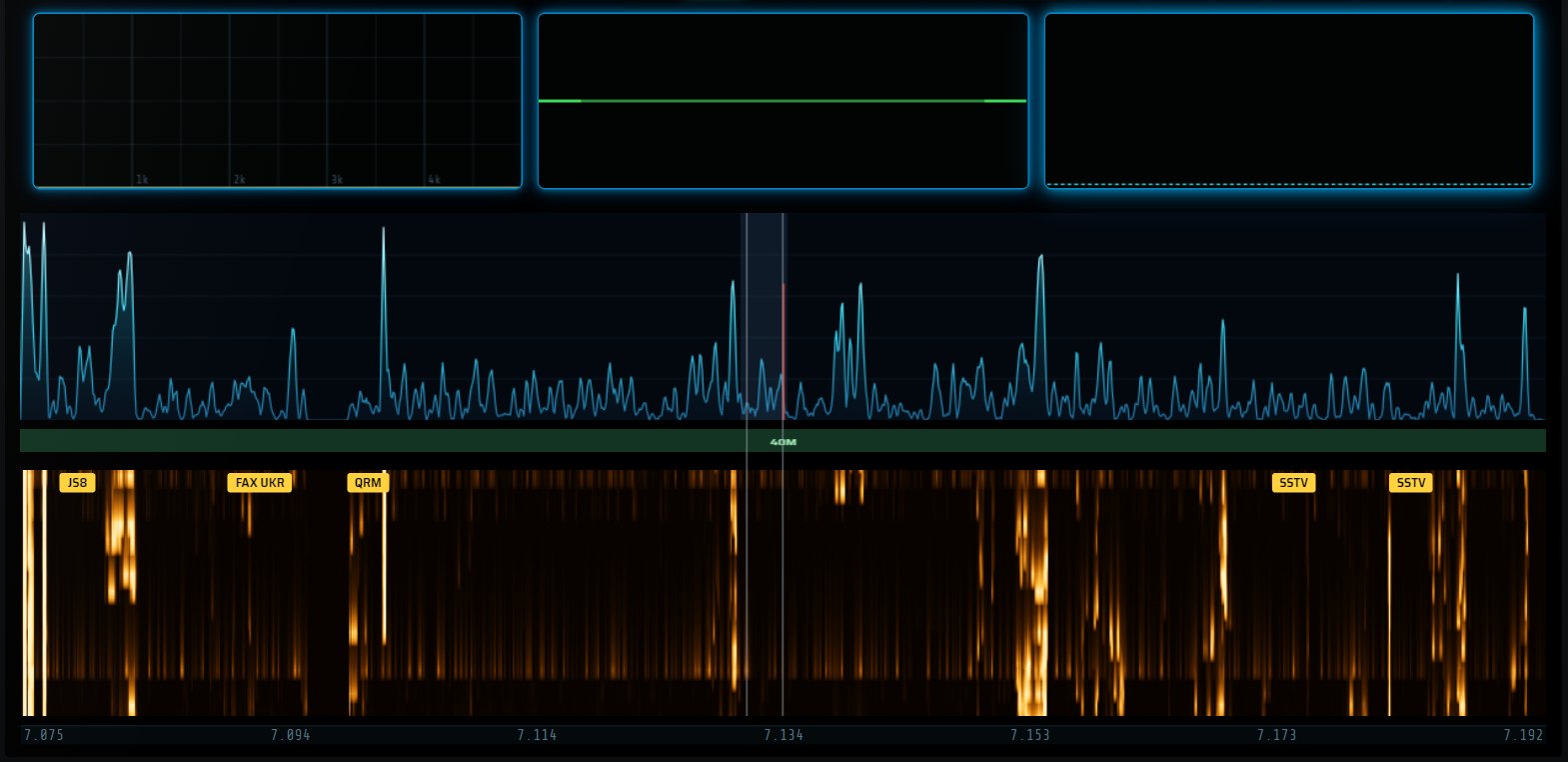
Audio spectrum, oscilloscope and level bars, above the waterfall.
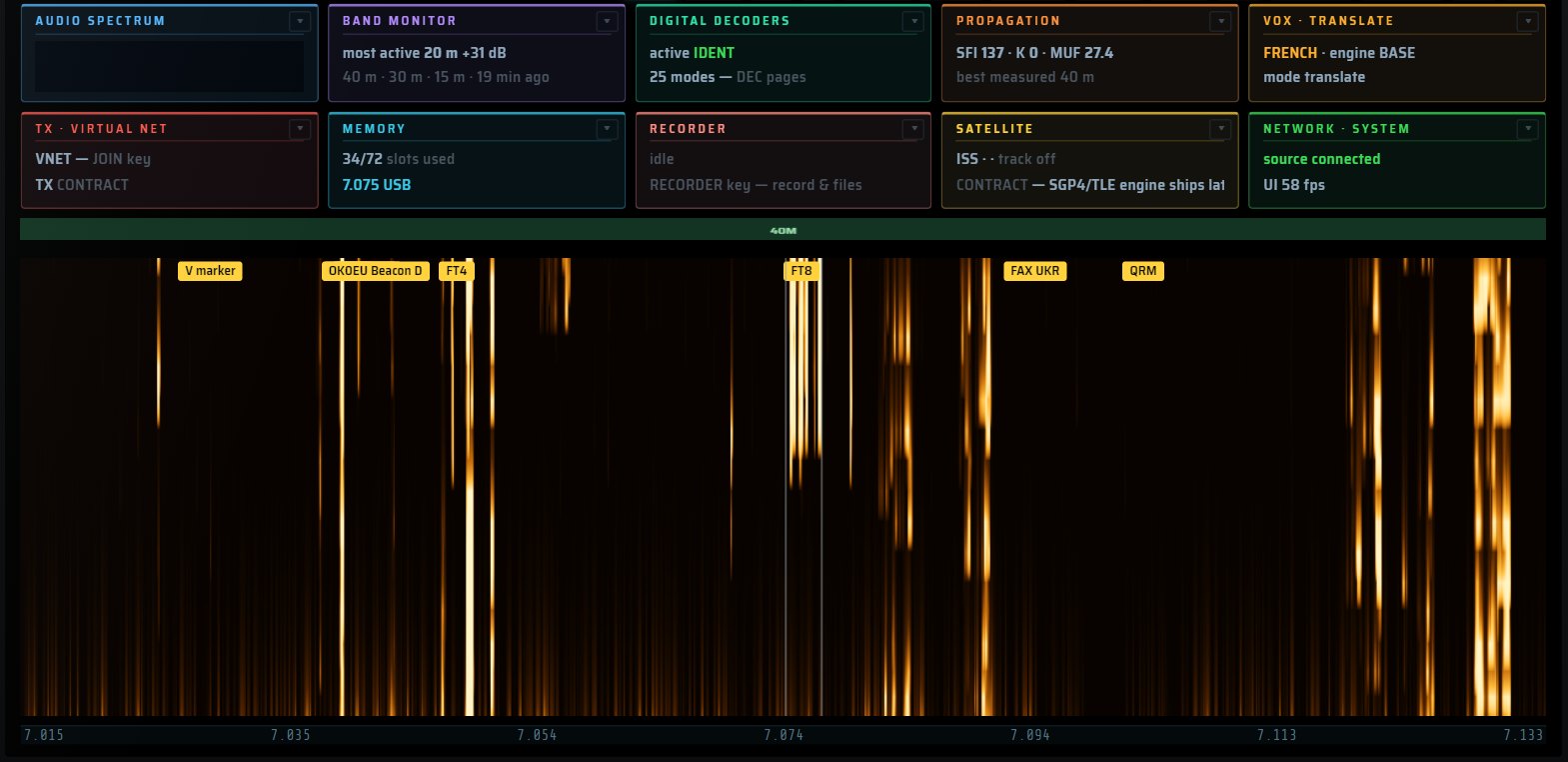
SP/WF switches between spectrum only, waterfall only or both.
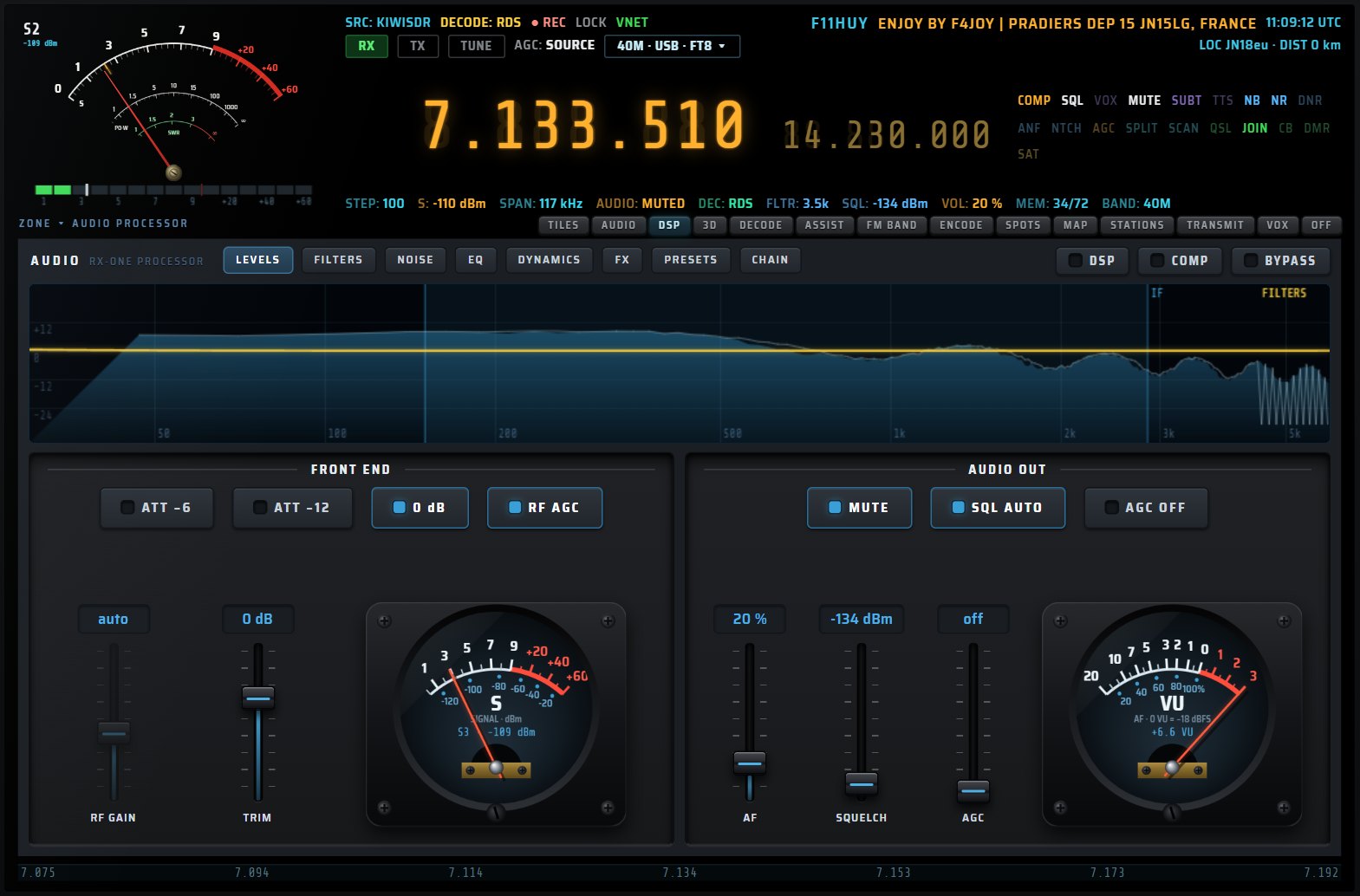
The AUDIO page brings all processing of the received sound into eight views: levels, filters, noise, equaliser, dynamics, effects, presets and chain. The meters are real, not decorative.
Input and output meters, compressor gain reduction, analyser: you see every stage at work.
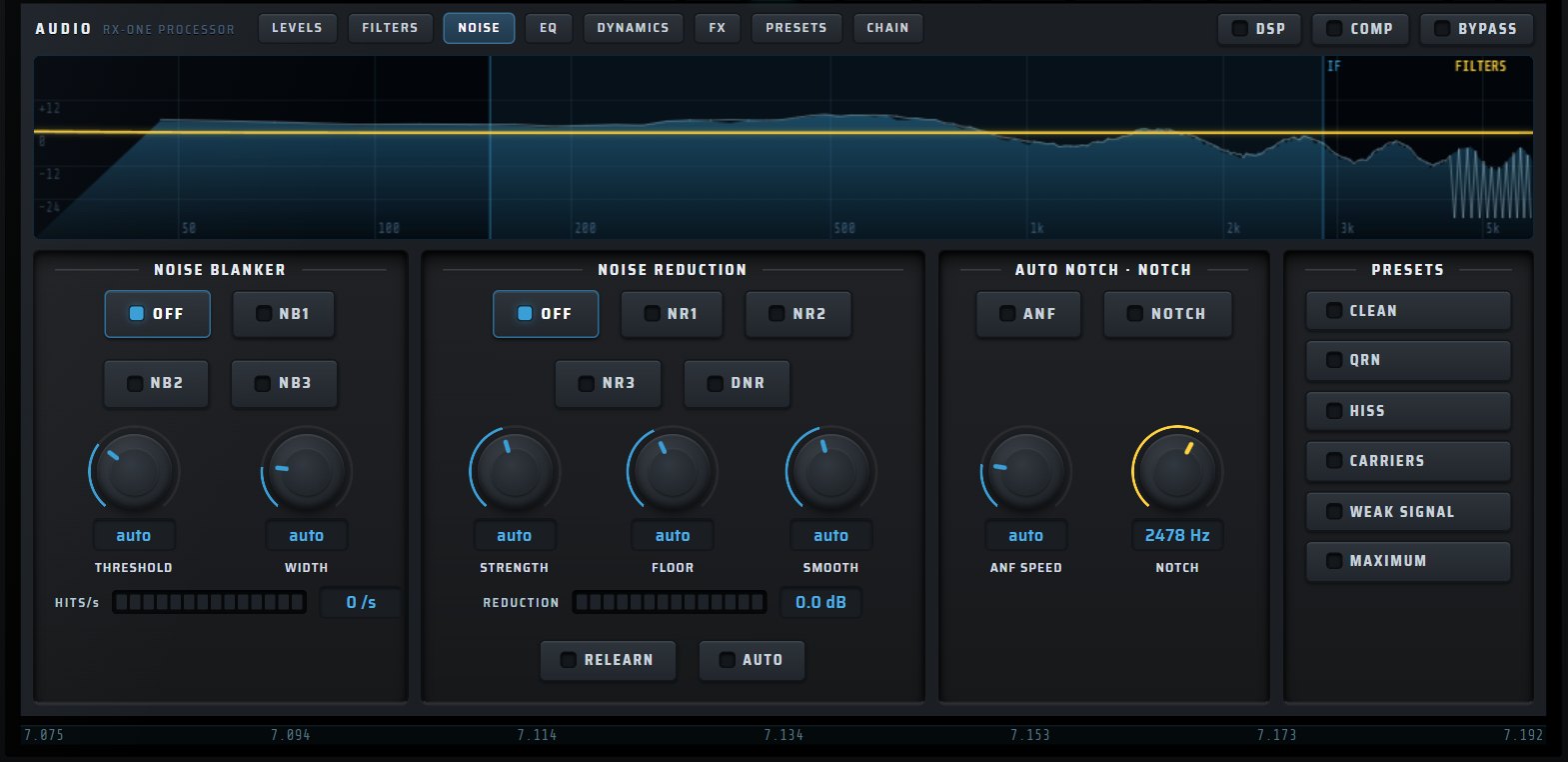
Noise blanker, spectral noise reduction, dynamic reduction and automatic carrier notch.
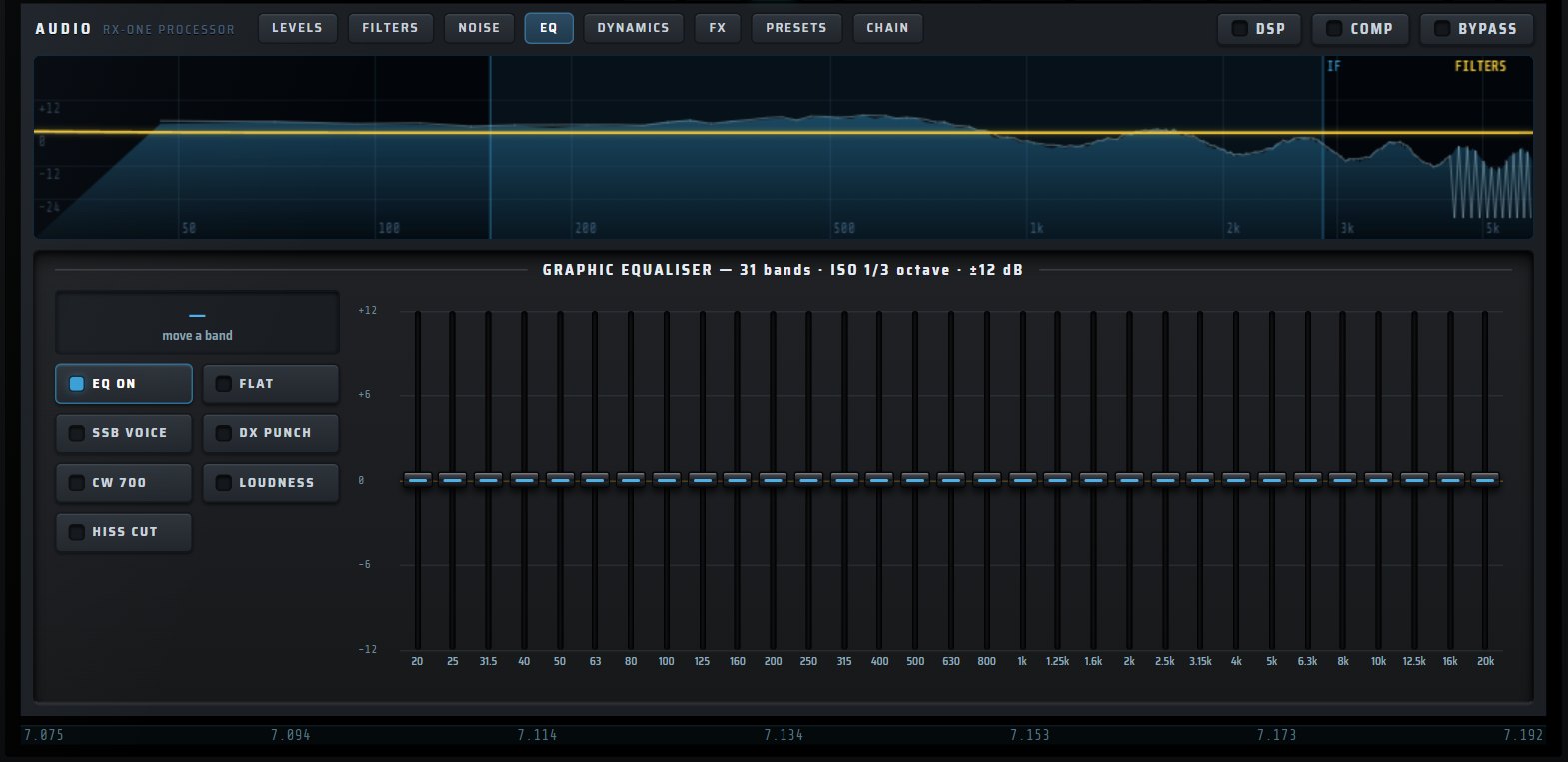
ISO third-octave, ±12 dB, voice, DX, CW and loudness presets.

AGC, compressor and limiter, with adjustable thresholds, ratios and times.
Six-band equaliser, compressor, ROOM or PLATE reverb and VOICE, DX, RAG CHEW, CW NARROW, BROADCAST presets.
With a local dongle, FM BAND turns RX·ONE into a tuner: the station list from 87.5 to 108 MHz, large RDS, twelve presets, sound tools and a lower area you dress the way you like.
AUTOSCAN finds every station; SCAN+RDS names them. Genre filters, whole-band view, presets M1 to M12, 50 or 75 µs de-emphasis, bandwidth, noise reduction, bass, presence, treble. On opening, RX·ONE returns to the last station you heard.

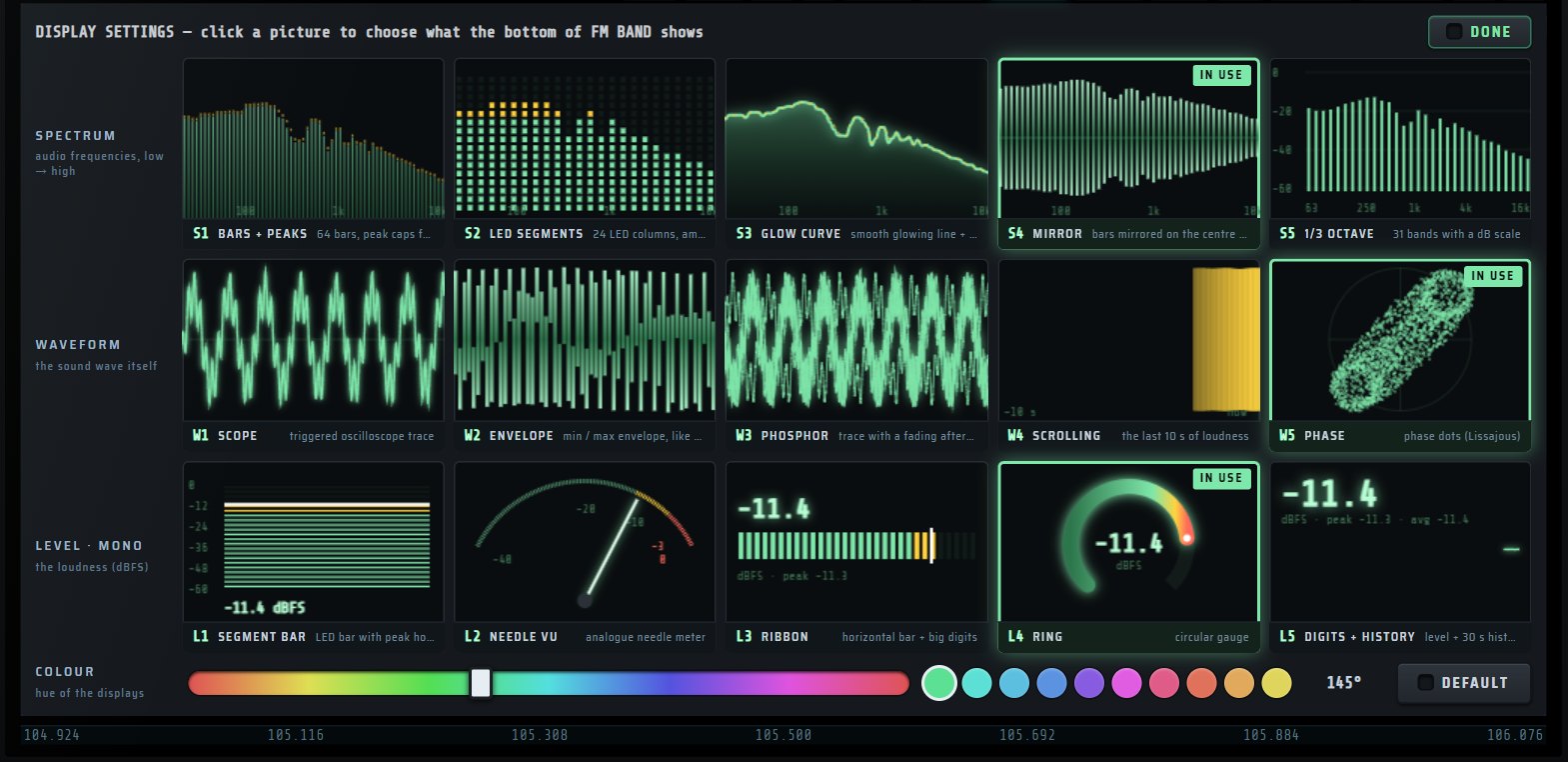
Five spectra, five waveforms, five level meters, live previews and adjustable hue.
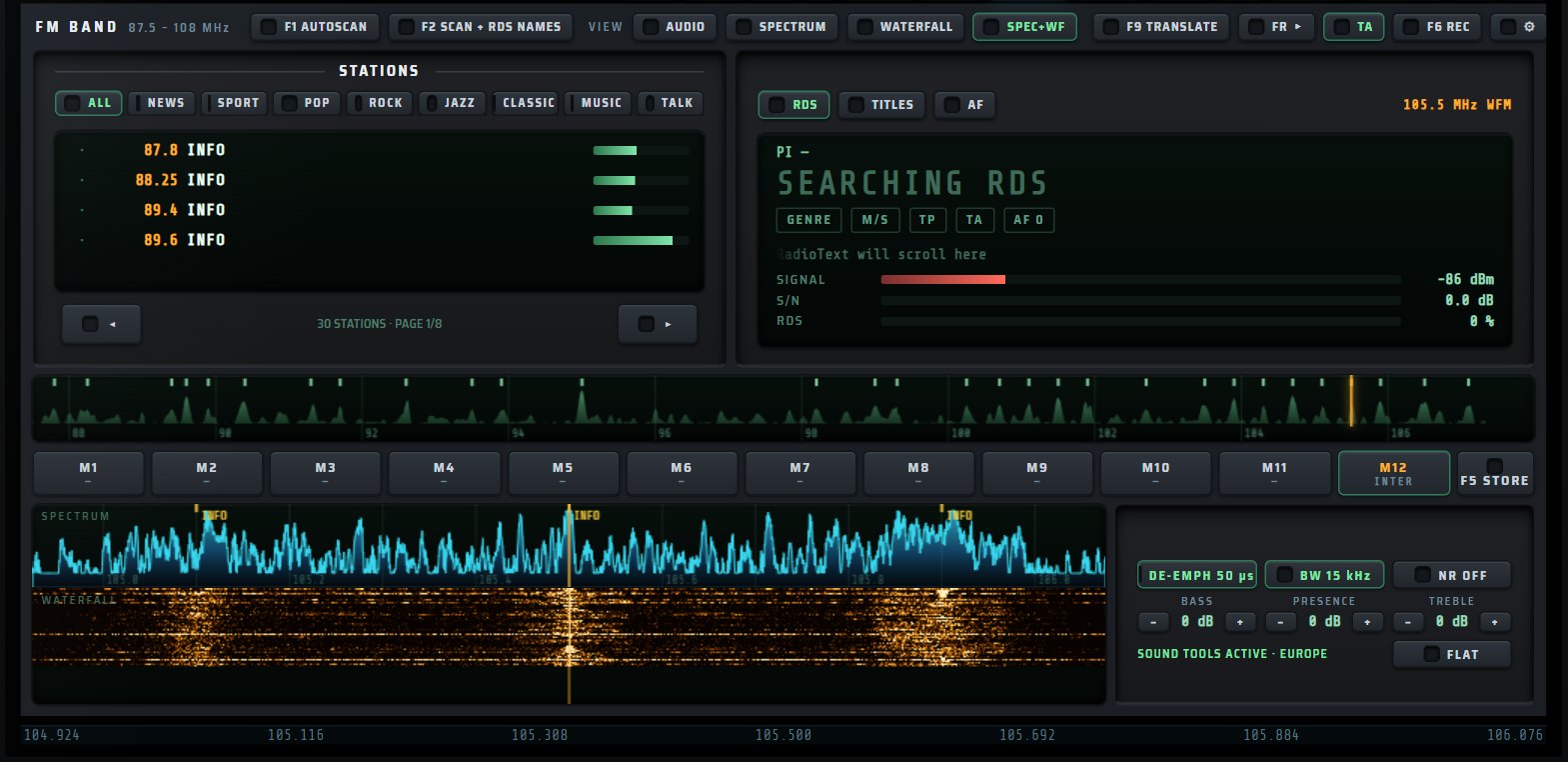
The lower area can also show the spectrum, the waterfall or both.

Live or timed recording, scheduling, and live speech translation.

RadioText is logged as you listen, with the time.
Each decoder has its page: a tuning waterfall, the received text or image, its settings, its F keys and export. RX·ONE picks the right sideband and knows where to listen.
WebAssembly decoding locked to UTC: report, offset, frequency, message, distance, country and flag of every station. Stations land on the map and can be exported to ADIF.

Adjustable shift, speed and polarity; automatic analysis finds the right setting.

DWD and Northwood charts, as images, ready to save.
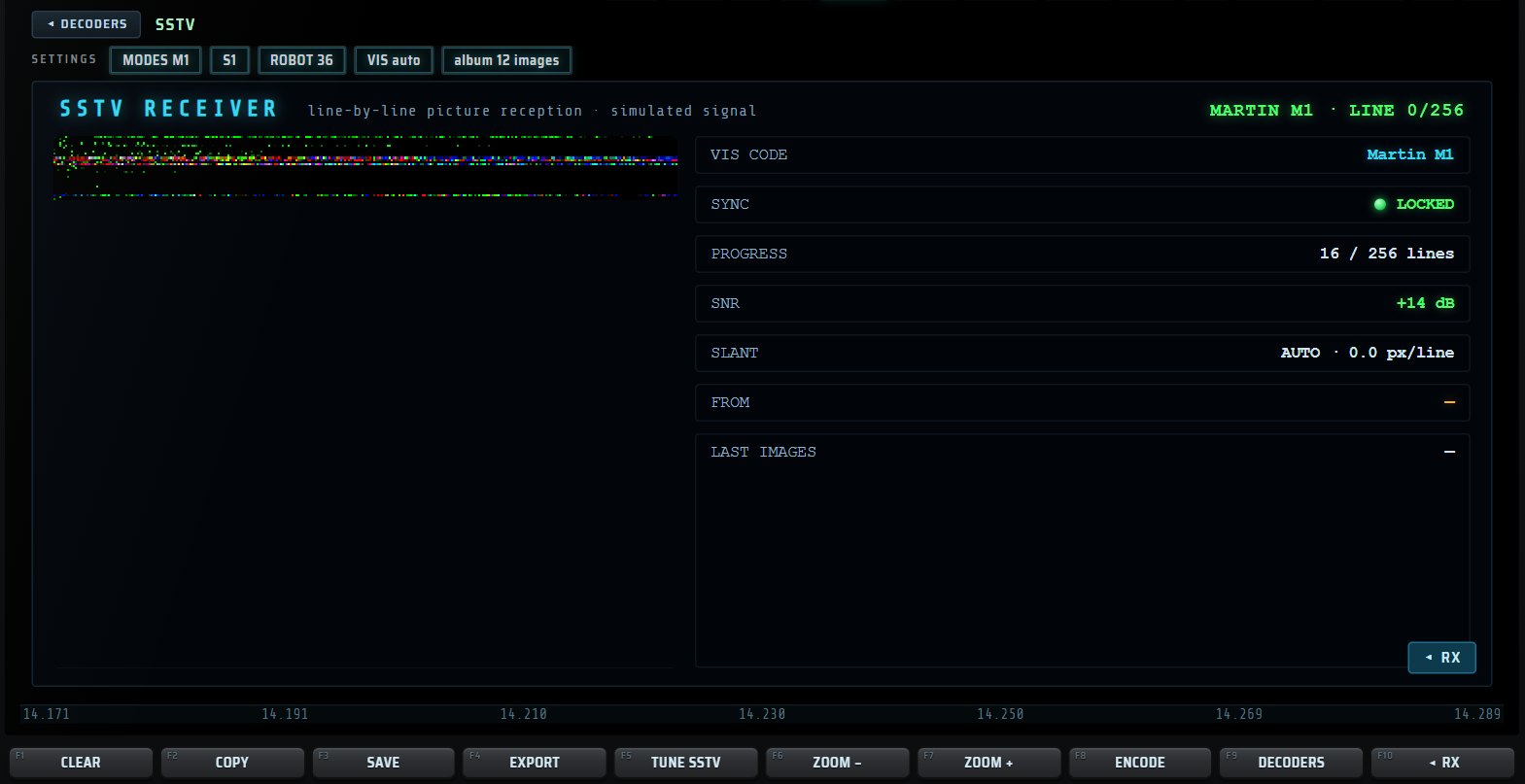
Martin, Scottie, Robot and PD, with an album of received pictures.
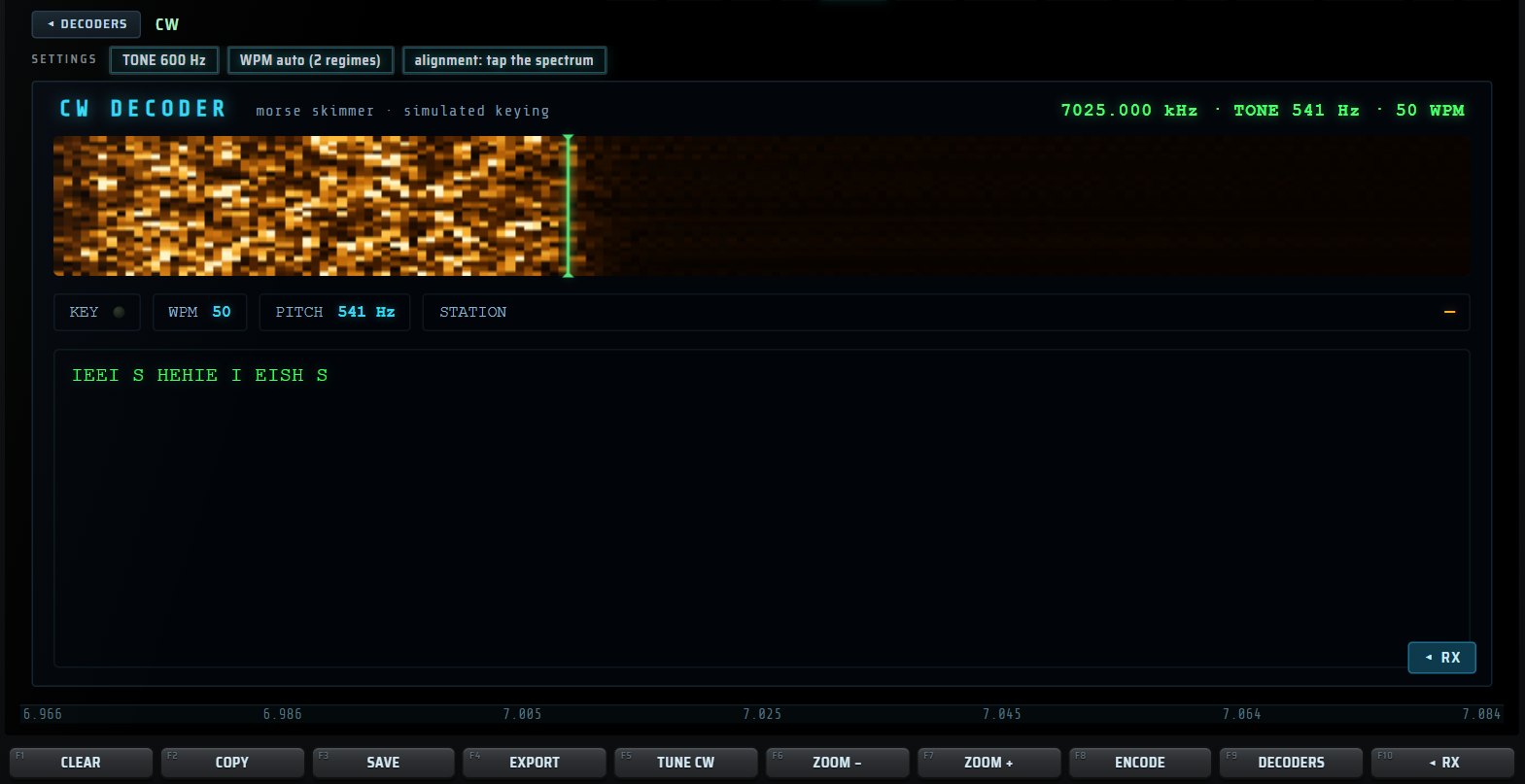
Morse decoder with speed tracking.

FT8, FT4, CW, RTTY, FSK, PSK31, SSTV, WEFAX, NAVTEX, DMR, RDS, ADS-B, AIS, IDENT, JS8, WSPR, HELL, THOR, FSQ, APRS, PACKET…
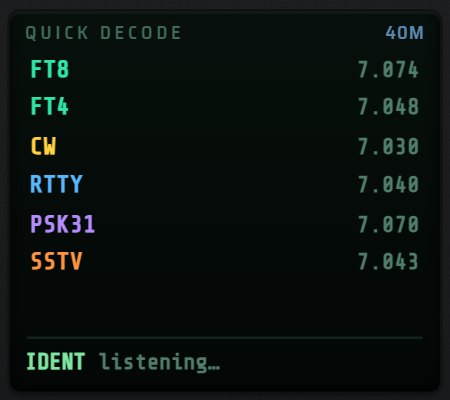
The mini screen lists the band’s calling frequencies: touch one and you are tuned.
ASSIST listens with you. It recognises a signal, suggests and applies the right settings, finds stations to your taste, tracks satellites and tells you which bands are open.
Touch a signal: width, rate, tones and shape are measured, compared with a database of known signals, and APPLY sets the mode, filter and decoder. WHY NO DECODE? explains what is stopping the decoder.
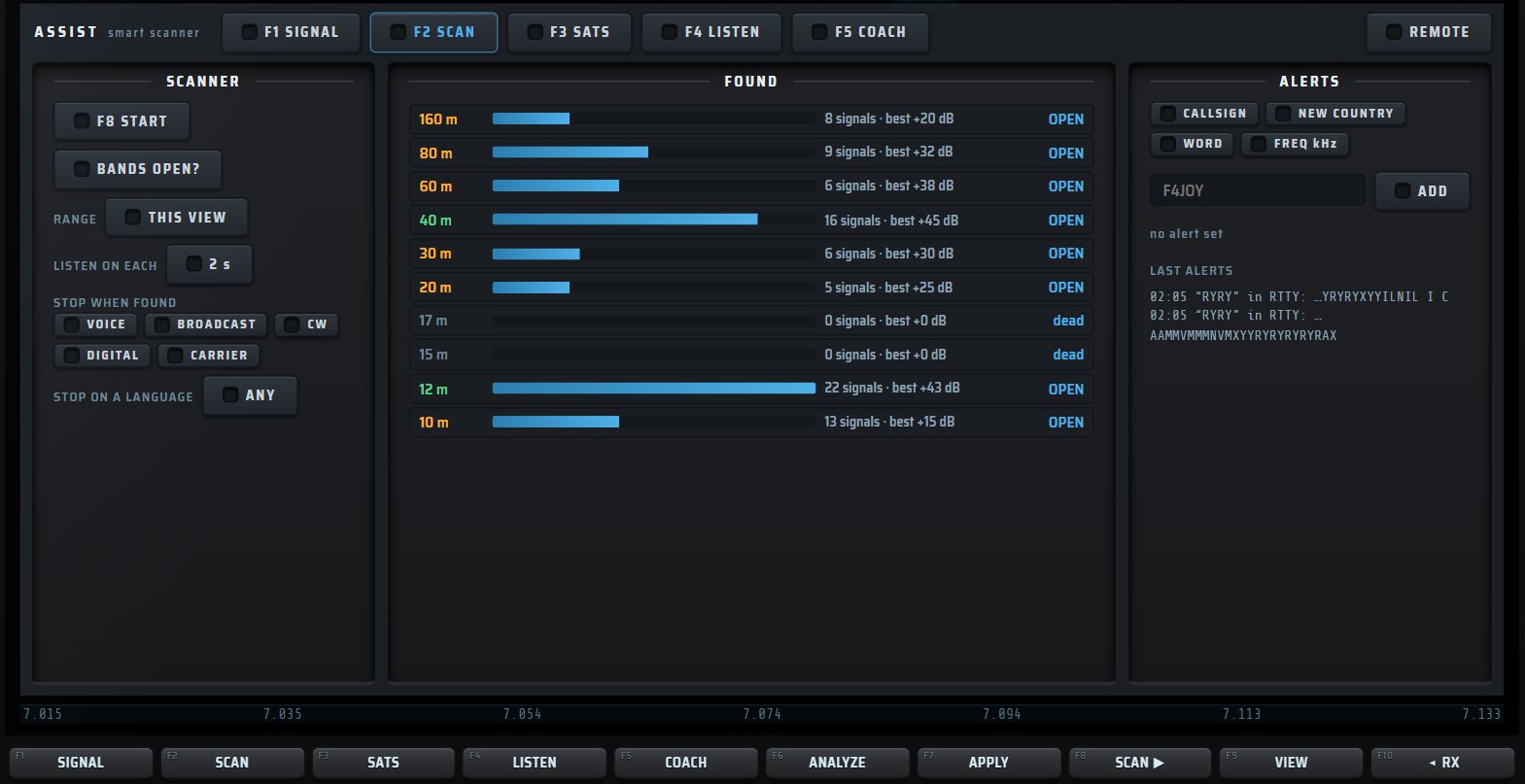
A scanner that stops on a category or a language, and alerts you.
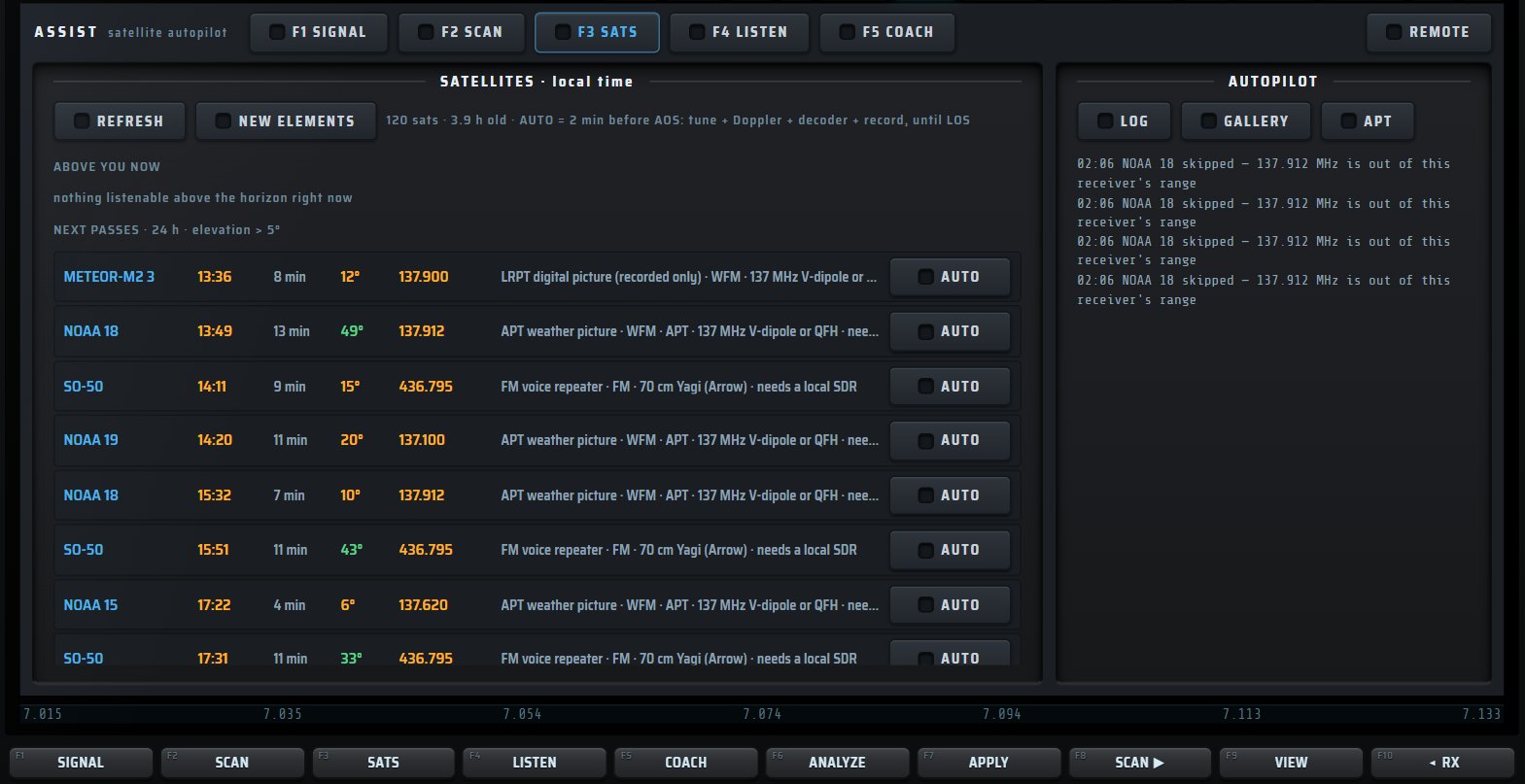
Satellites overhead, upcoming passes and an autopilot.

“I feel like listening to…”: stations found for you, with the best receiver.
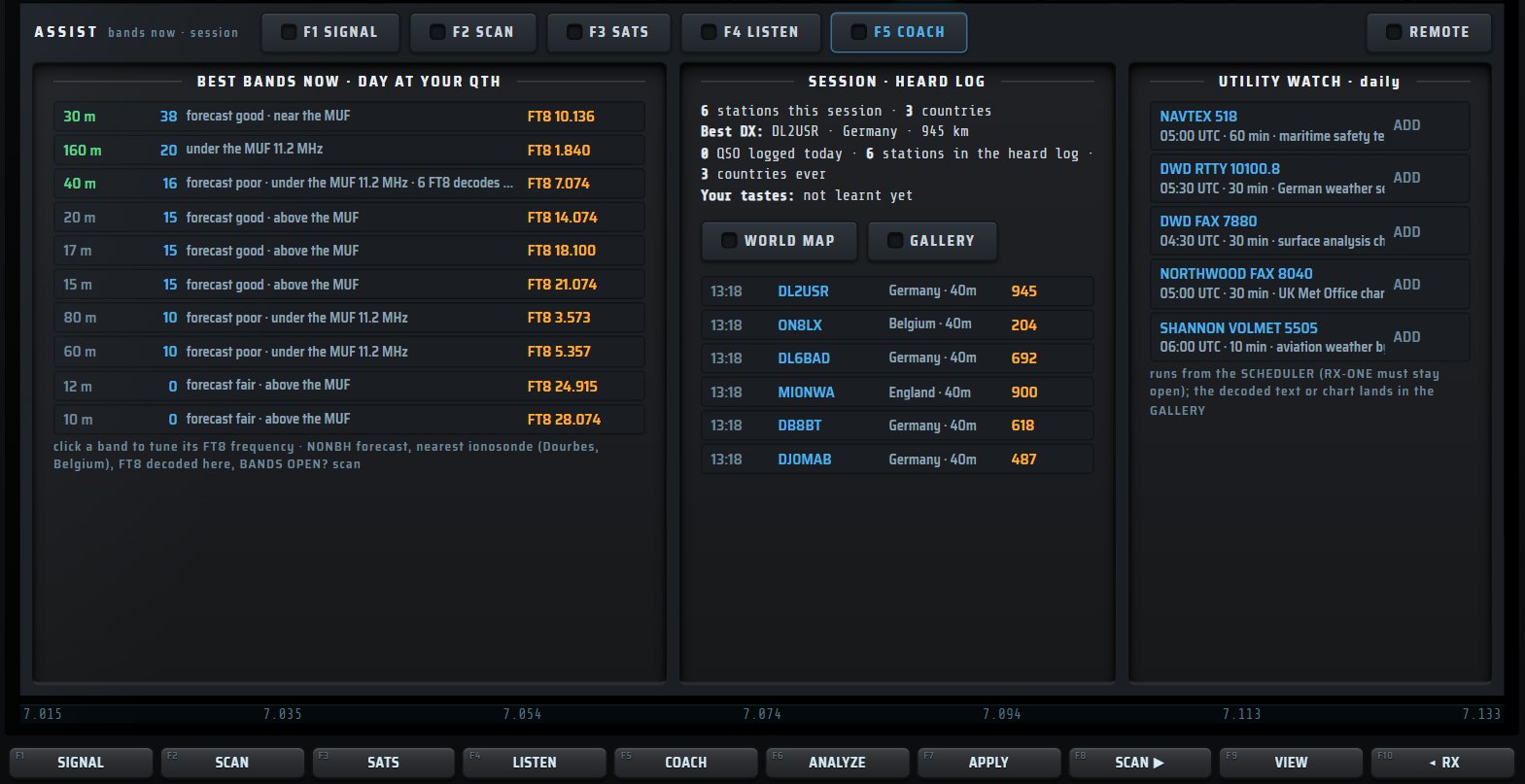
Bands open now, your session and automatic watches.
Live subtitles and translation, WAV or Opus recording, UTC scheduling, and monitoring of every band at once.
Received speech is transcribed by Whisper then translated, on your PC, without any online service: original text, translation, or both. Automatic or fixed source language, target language of your choice, text-to-speech of the translation, detachable subtitle window.

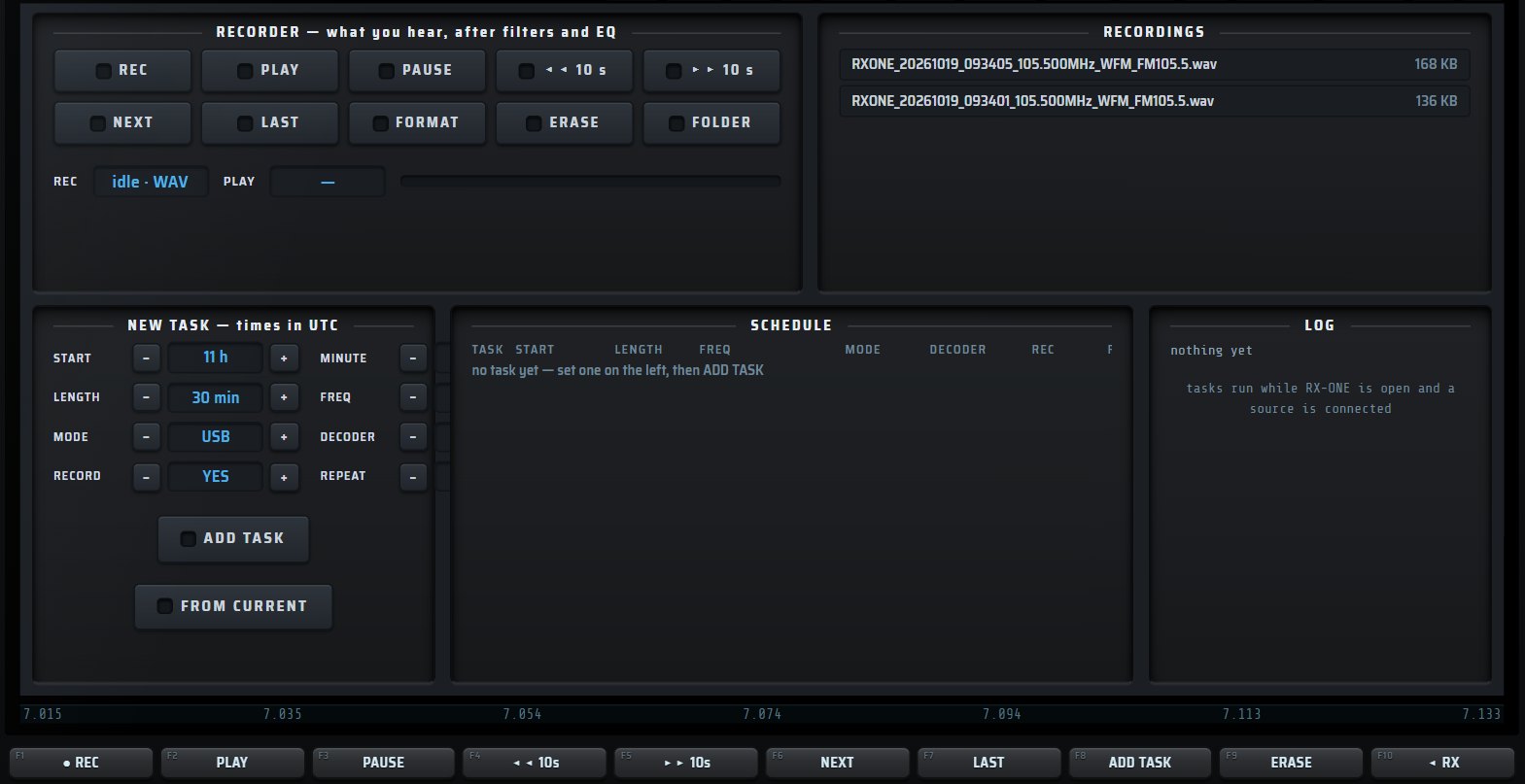
One-touch recording, automatically named files, task scheduler.

Every HF band at a glance, the busiest first.
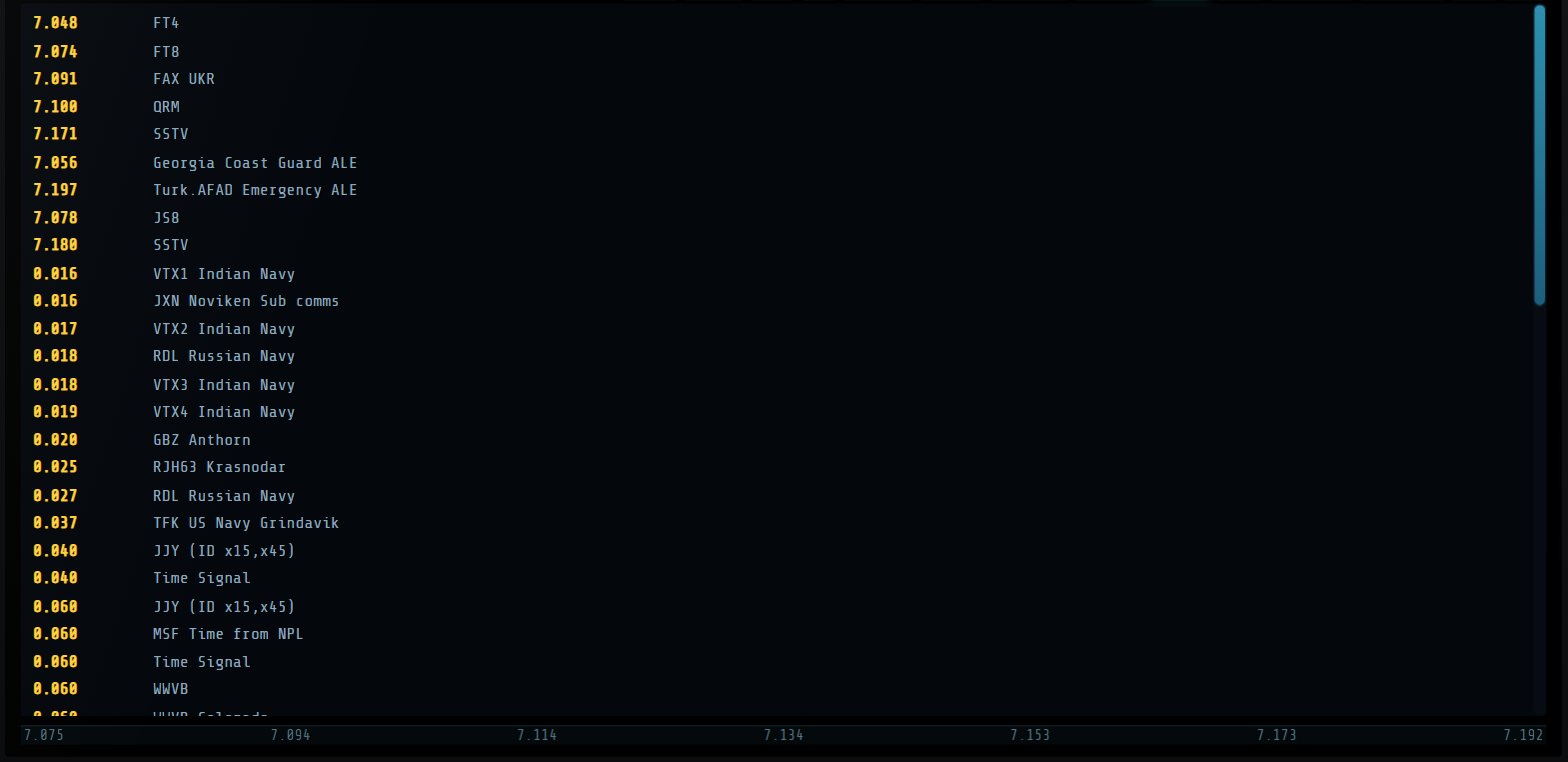
The source’s markers, on the spectrum and as a list.
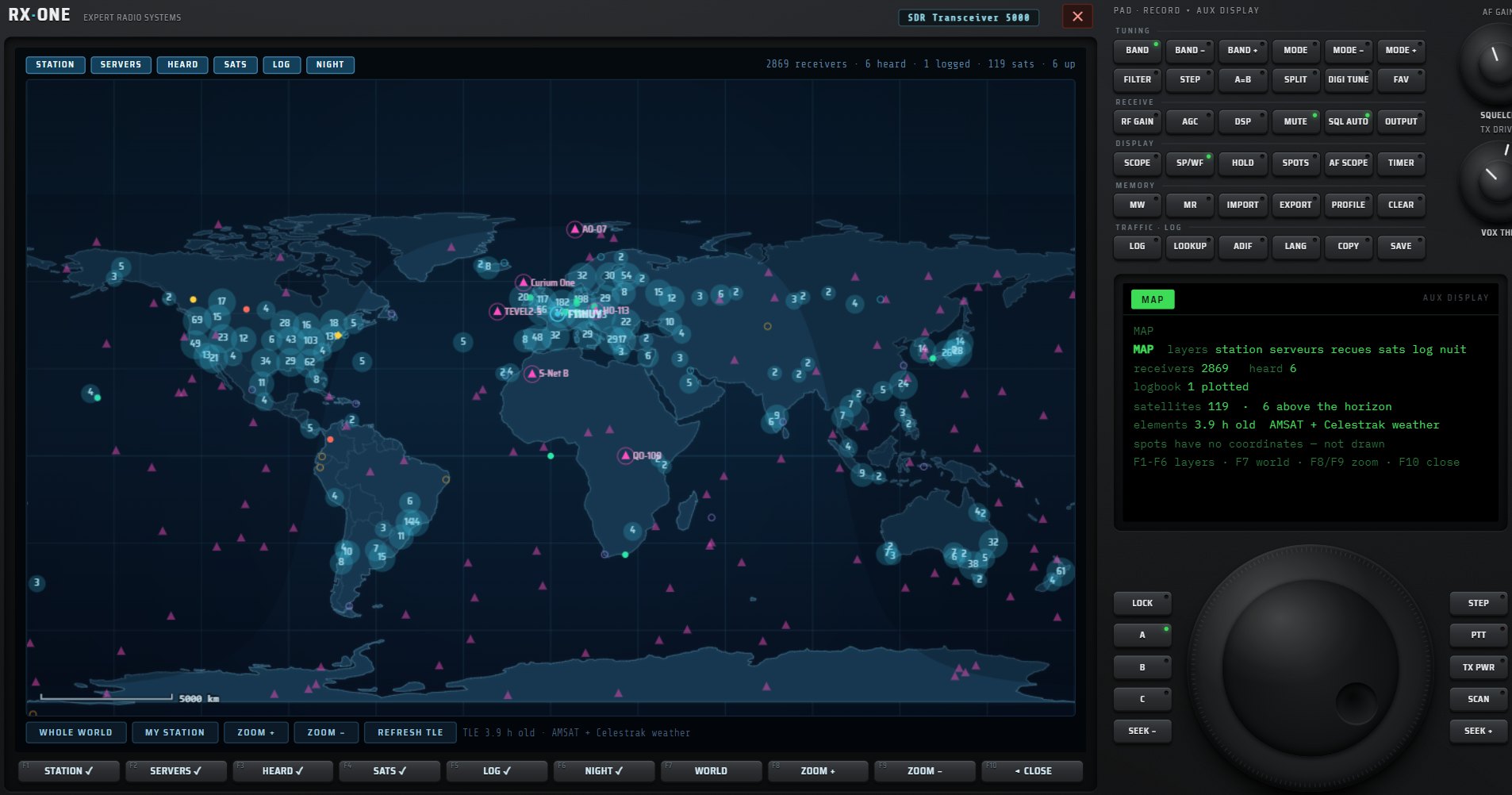
Where the receivers are, where heard stations come from, which bands are open, which satellite is passing overhead.
Receivers, heard stations, satellites, your station and your log, in six layers. Detailed card on touch, direct connection to a receiver.
Space weather, Kp index, ionosonde MUF and open bands.
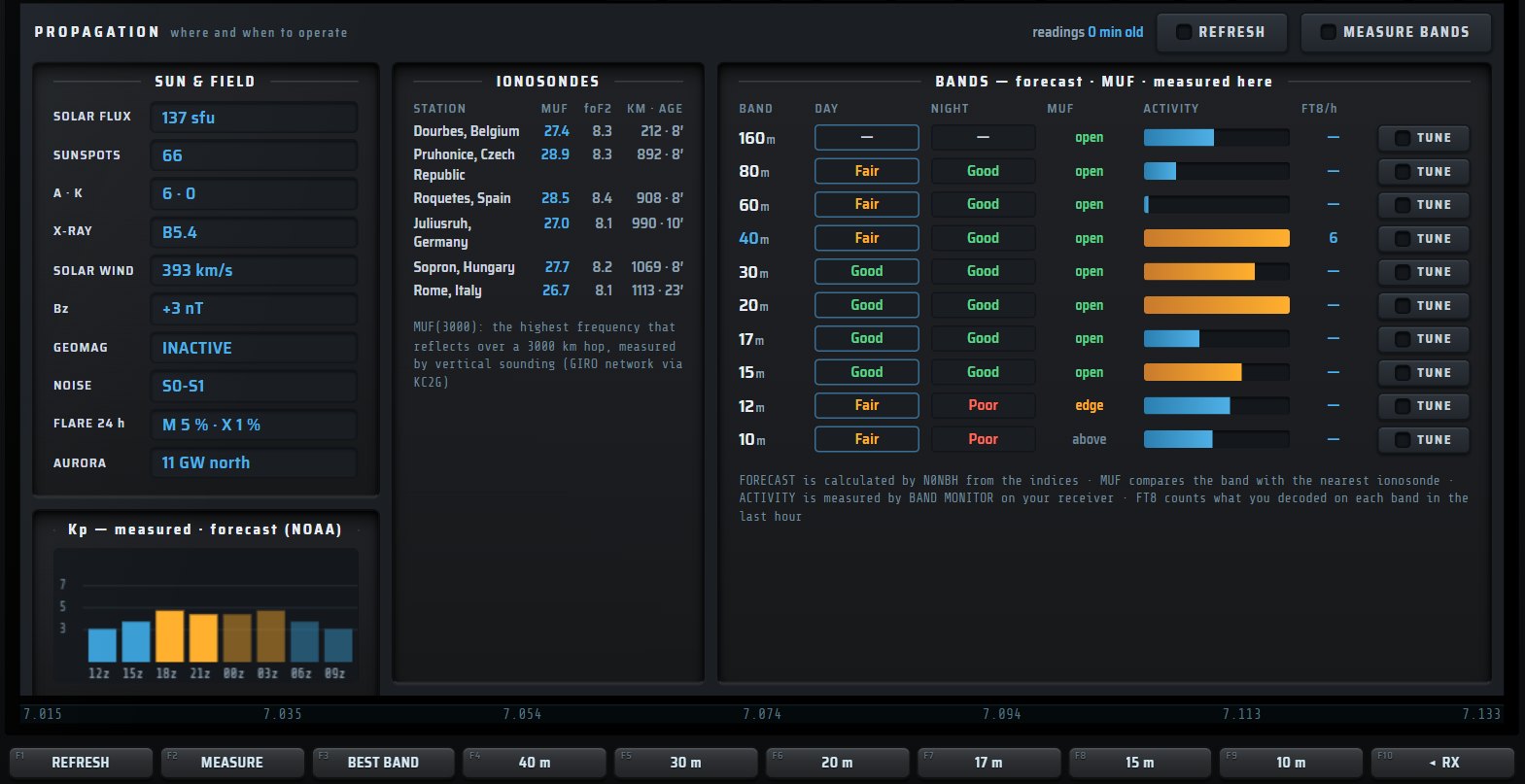
Solar flux, A, K, X-ray, solar wind, aurora and band-by-band forecast.
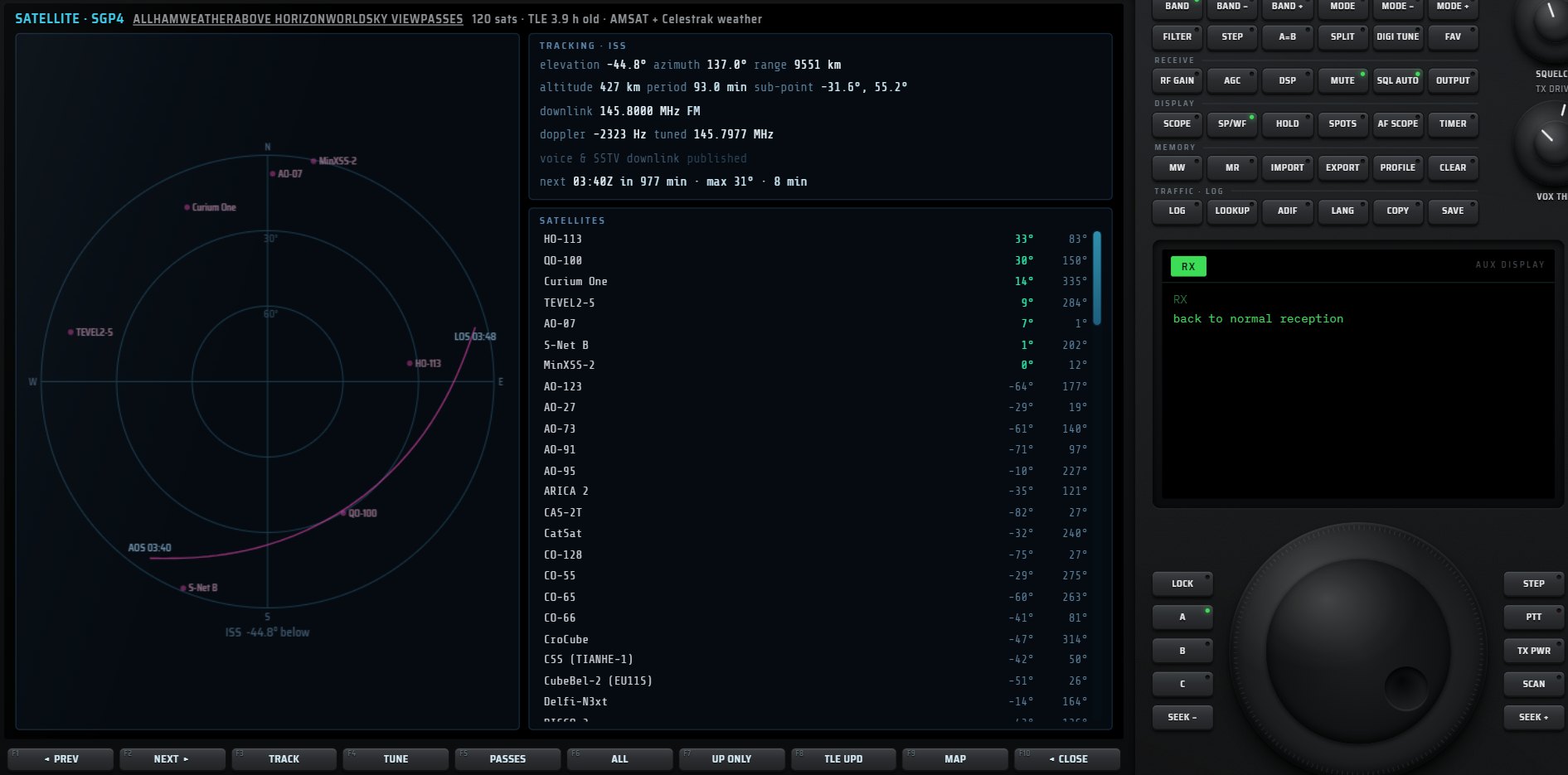
Sky view, world map and passes, SGP4 engine and Doppler.
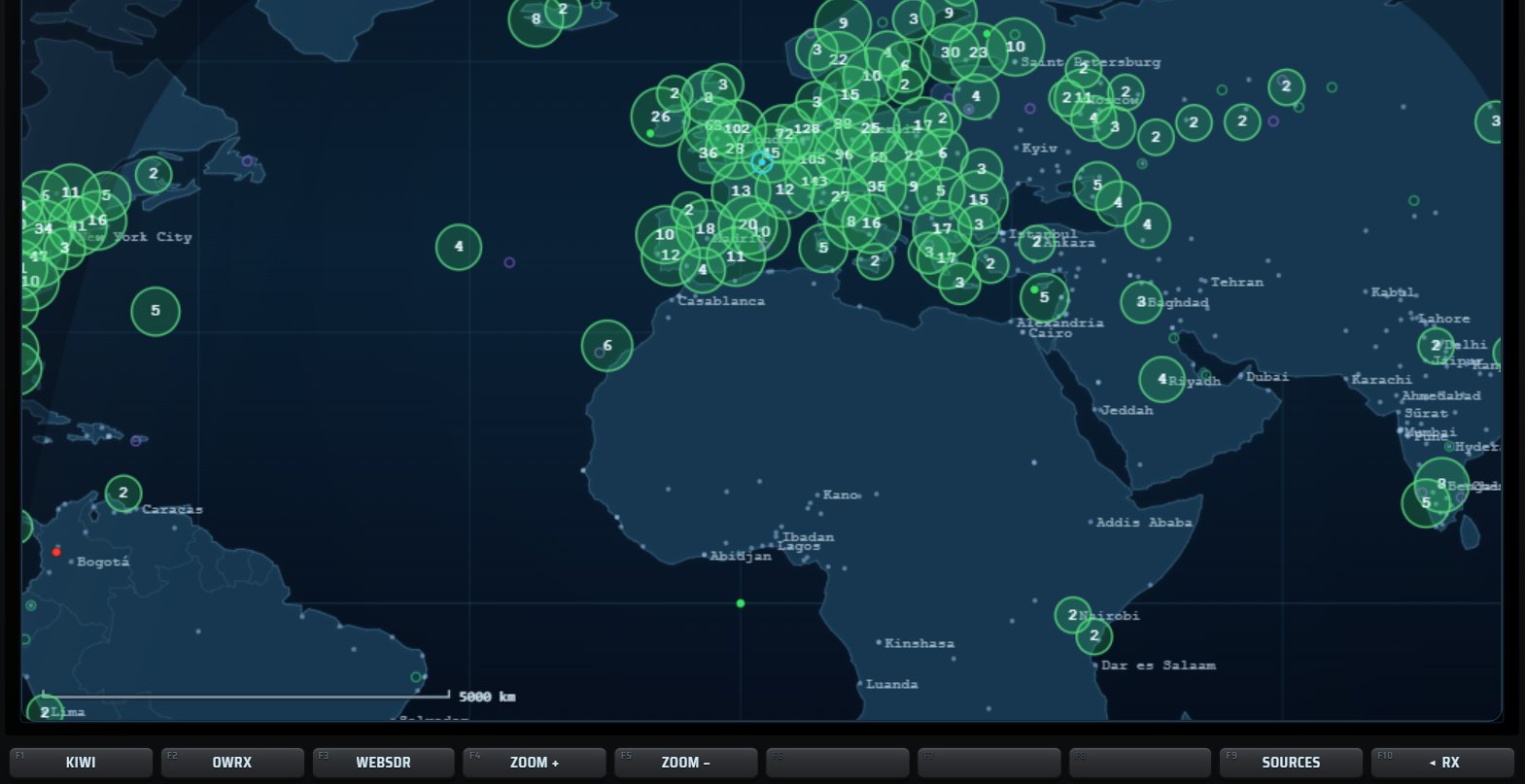
The world’s receivers grouped by region, one click to connect.
Seventy-two memories on the keypad, unlimited imported banks, a logbook with its QSL card, callsign lookup and ADIF export.
Personal and imported banks (CSV, EiBi), search, broadcast schedules, ON AIR NOW to see only what is on the air now, pinning a bank onto the spectrum, and a command line: type “5505 usb” and you are there.
Personalised, saved as an image or sent in SSTV.

Your QSOs, full entry and de-duplicated ADIF export.

A callsign’s card, placed on the map.
With a HackRF on PC, RX·ONE transmits: a TRANSMIT window with its safeguards and an ENCODE page for digital modes. The Virtual Net links RX·ONE stations by voice on virtual bands, and NET SERVER hosts your own network.
Listening is free in most countries. Transmitting requires an amateur radio licence, or compliance with the CB band rules, and suitable equipment.
Twelve encodable modes, including CW, RTTY, PSK31, SSTV, fax, NAVTEX and FT8, read back by our own decoders. Modes that are illegal or impossible to transmit are refused, with the reason shown.
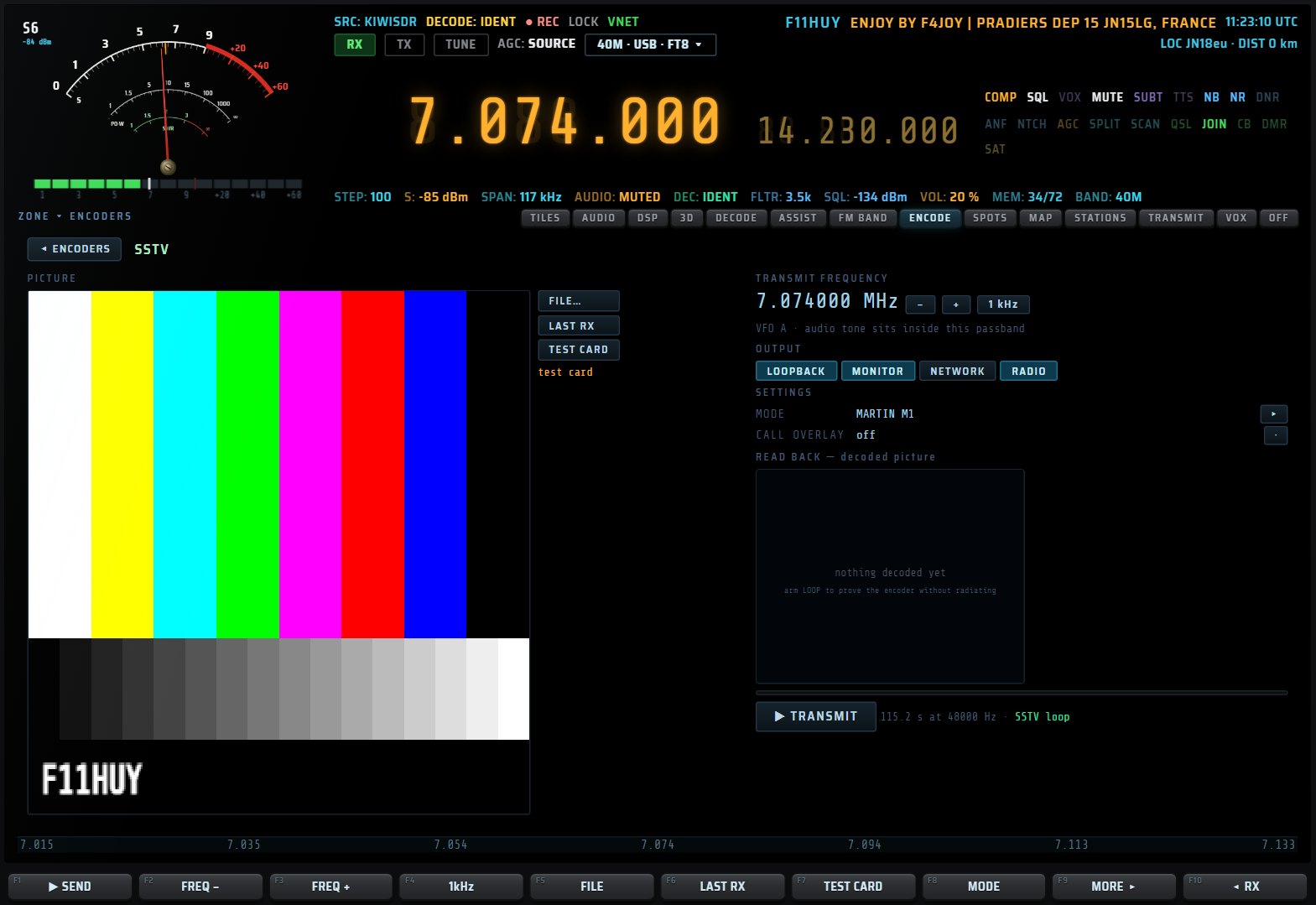
Power, routes, time limit, split and lock, with an OFF AIR state always visible.
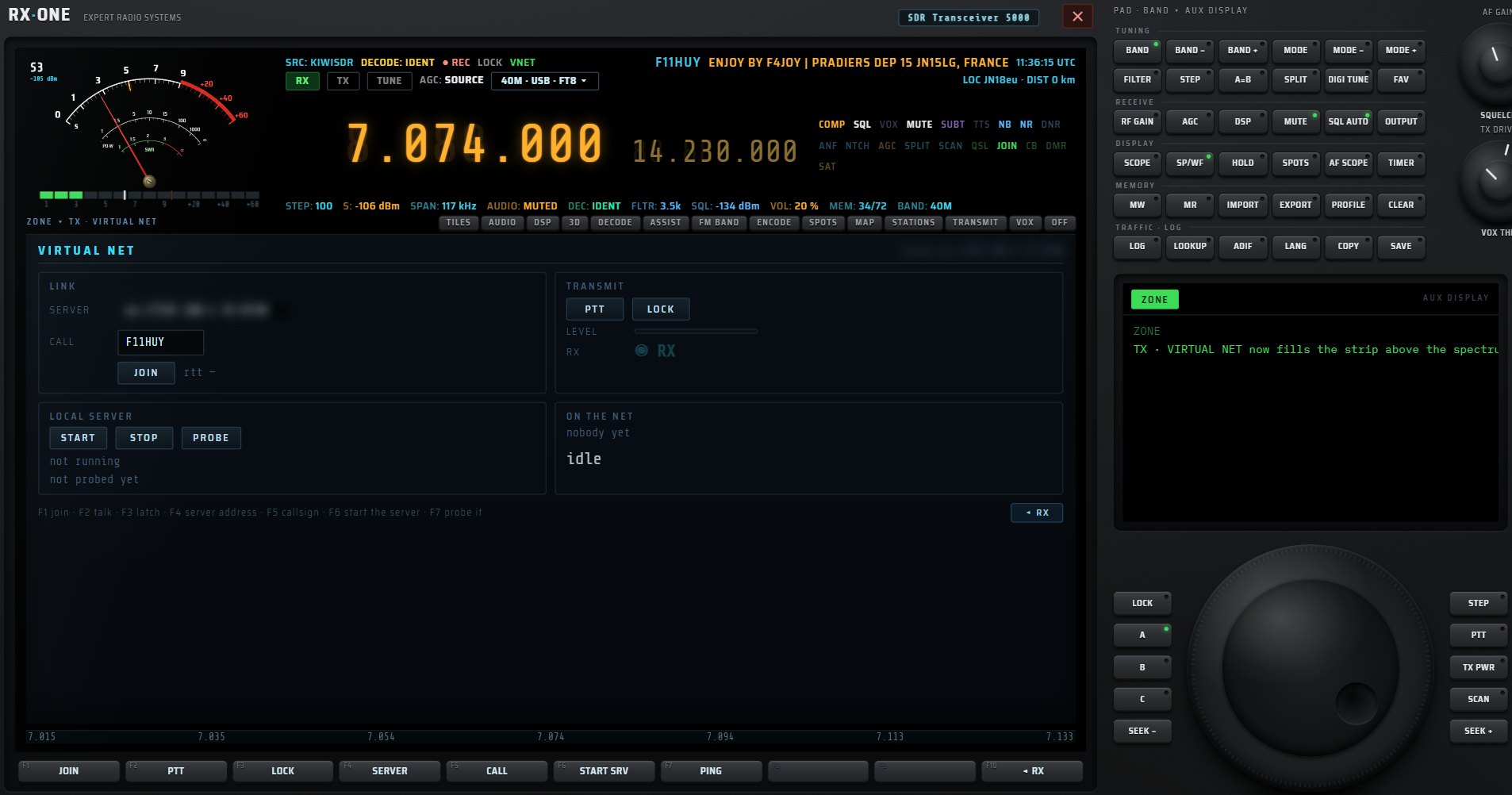
A voice network between RX·ONE stations, on virtual bands.

A forty-channel CB radio, in a phone browser.
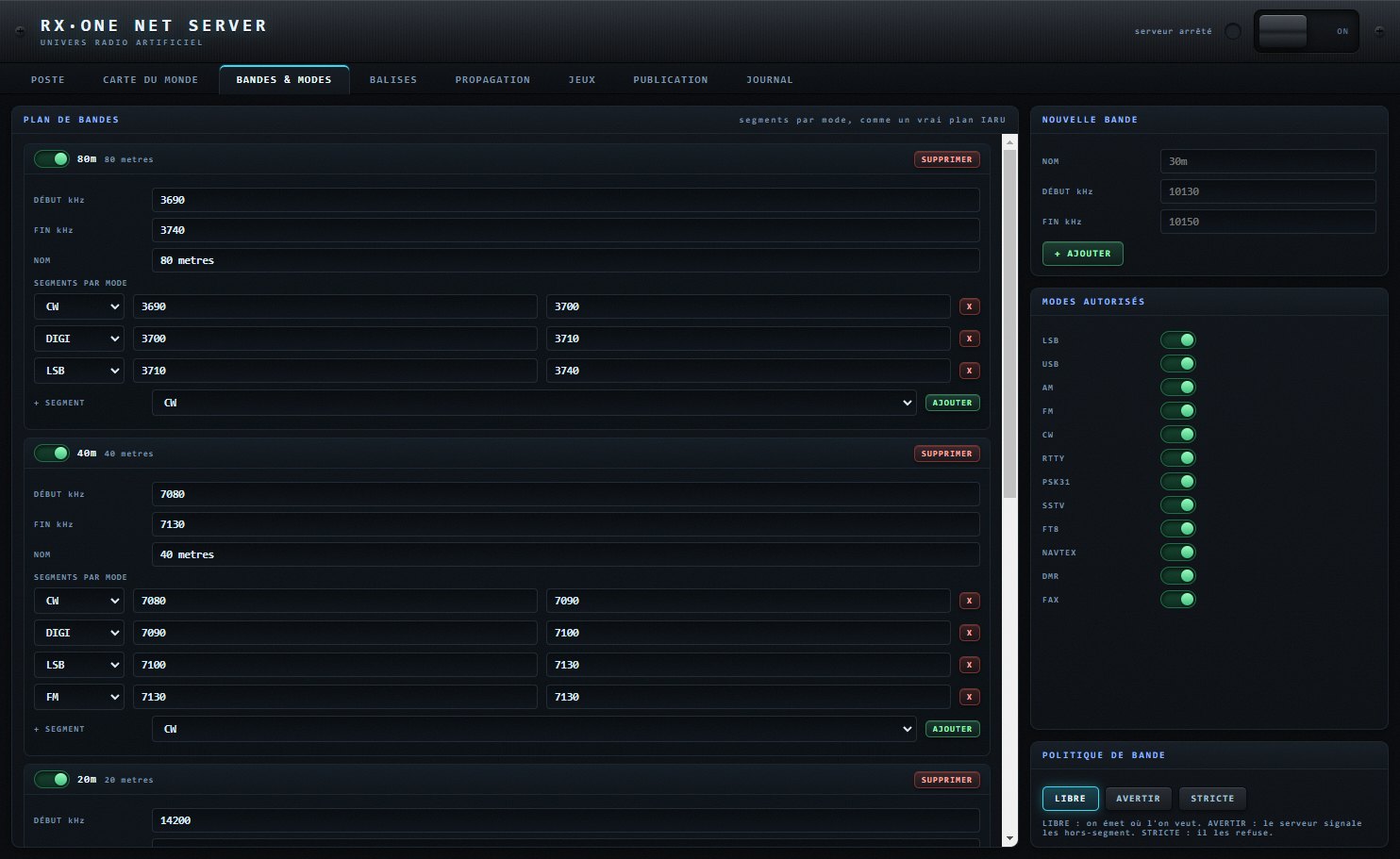
Bands, modes, beacons, propagation and publishing of your network.
On PC, the RACK interface presents RX·ONE as a bay of studio equipment: thirteen drawers to mount, unmount, move and spread across one, two or three columns, with five stored setups.
S-meter, digit-by-digit touch display, keypad, tuning knob, multifunction terminal and mode row.
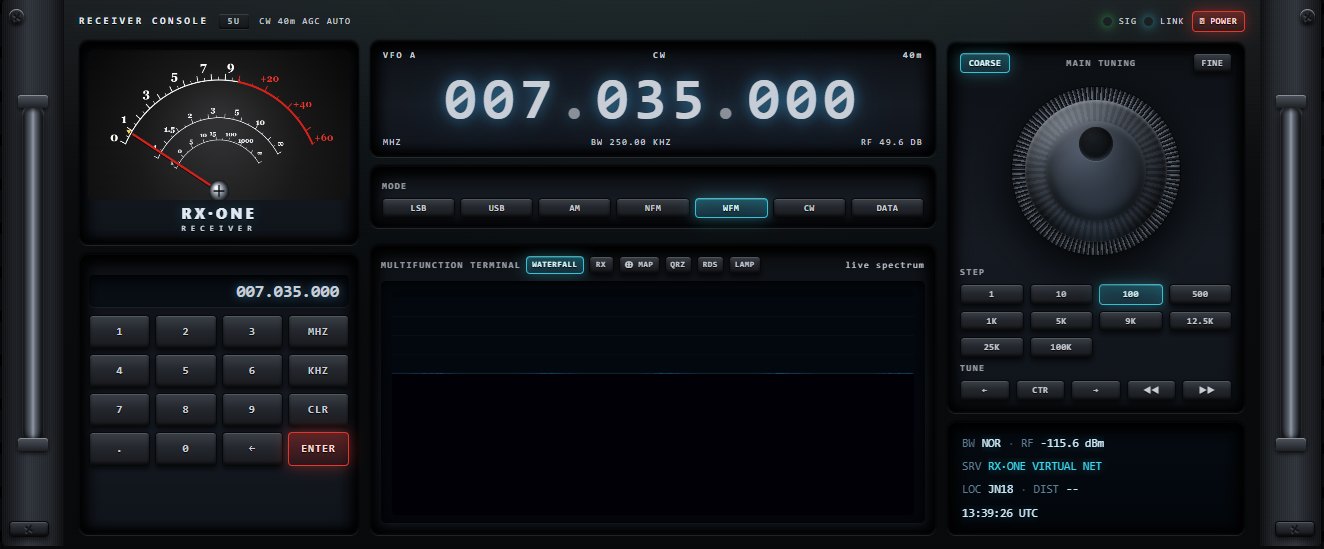

Waterfall, RX view, 3D, auto-detect, map and memories.
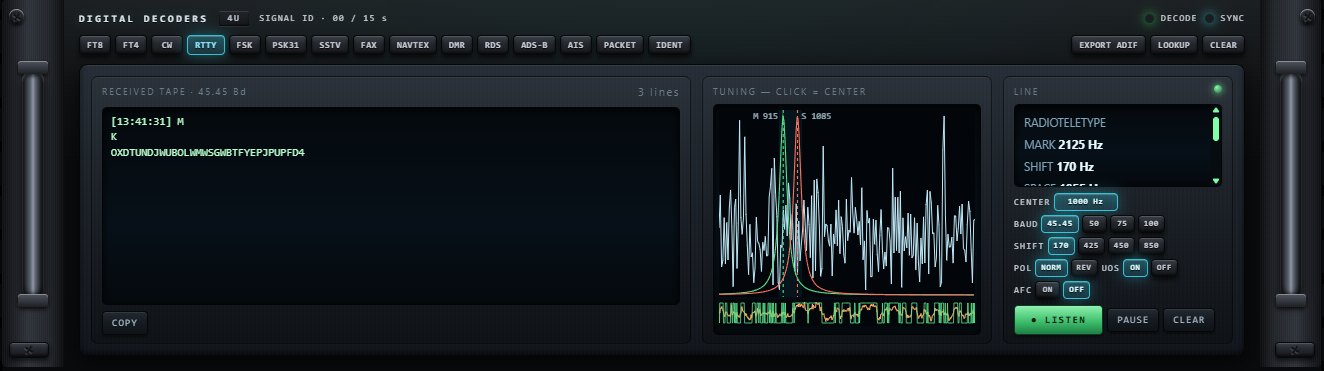
Fifteen stand-alone decoder panels, with their tuning workshop.
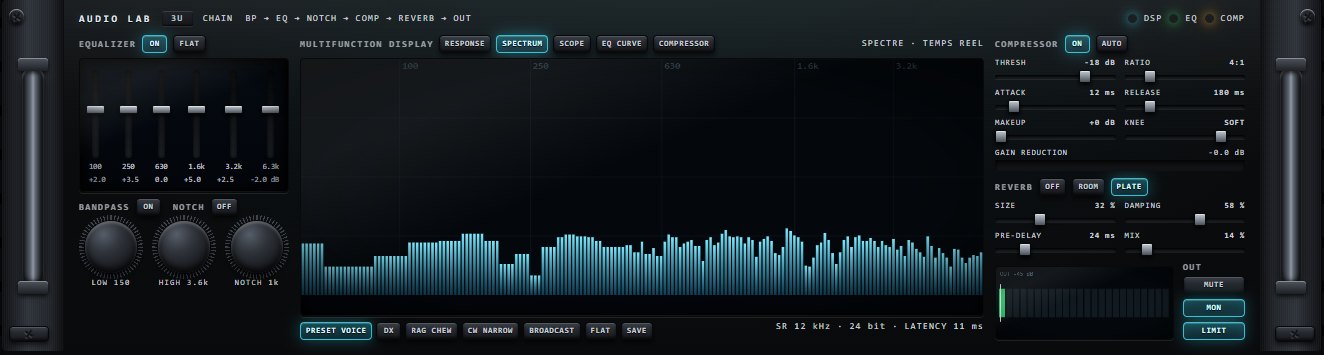
Response curve, spectrum, scope, equaliser and compressor.
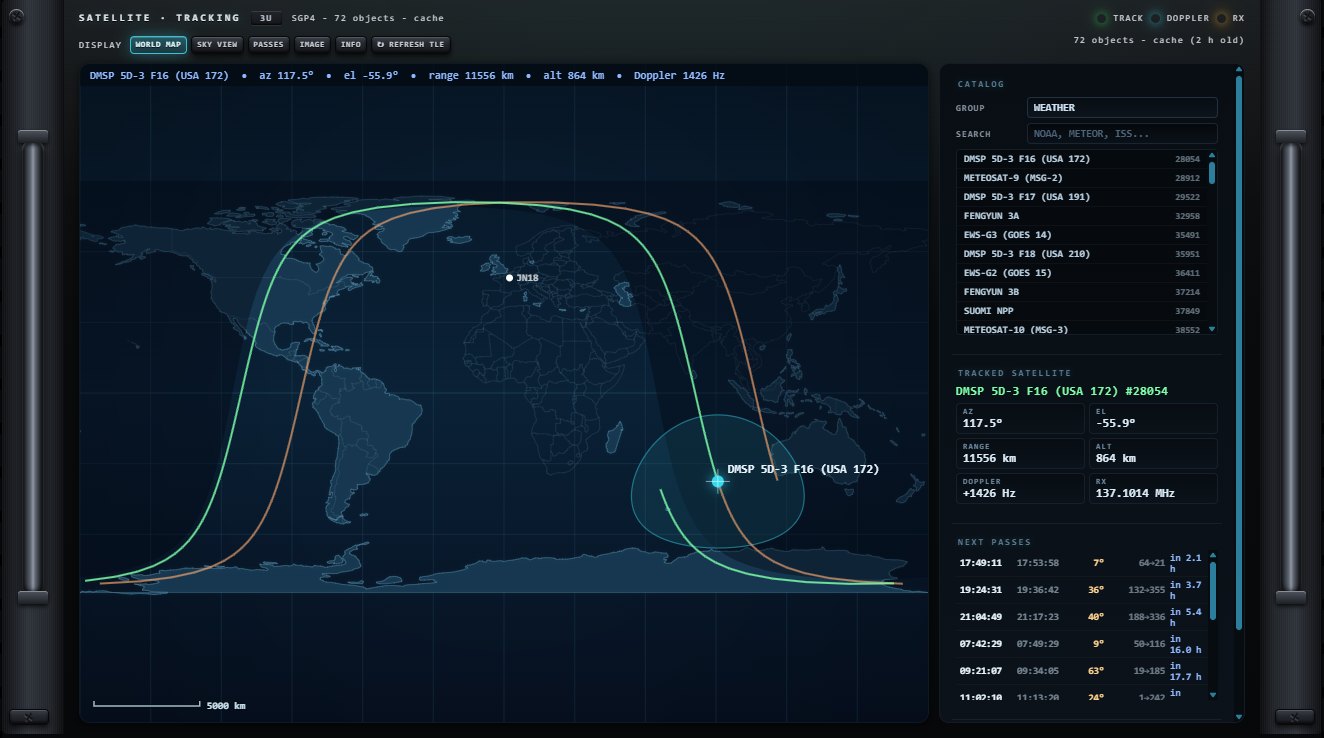
Eleven satellite families, passes and Doppler.
The complete RX·ONE manual can be read online, in French and English: sixteen chapters, every key, every setting and more than two hundred screenshots. It also comes as a PDF for printing.
RX·ONE is being finalised. Subscribe to the store newsletter to hear when it is released.
No download is offered on this public page.
RX·ONE joins the store’s applications, designed by a technician for technicians.